Table of Contents
The Ultimate Guide to Fixing Warzone Beta Issues on XBOX
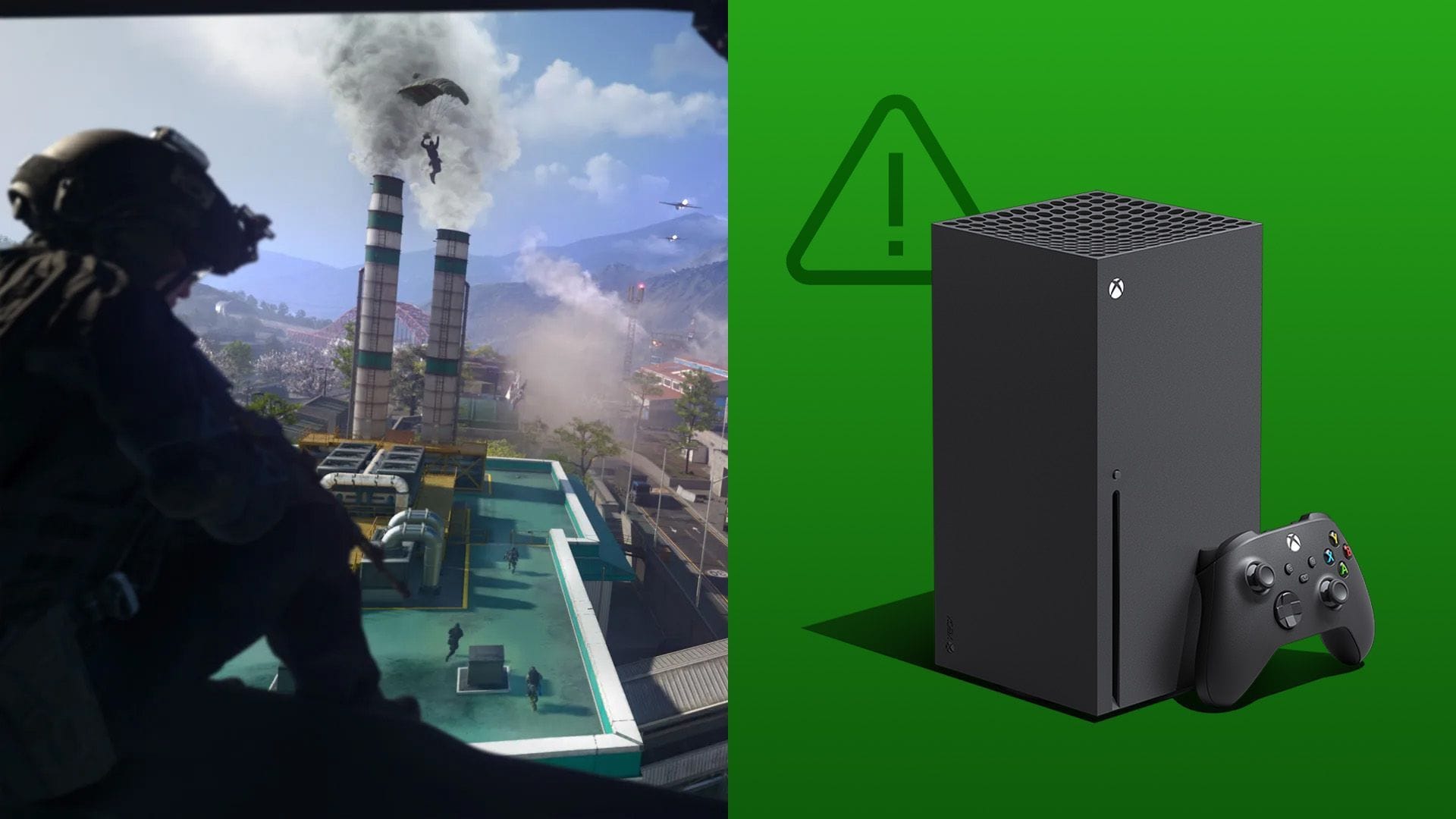
Excitement is in the air as the Warzone Beta goes live on XBOX, giving players a taste of Call of Duty: Warzone before its full release. However, with great moments come great crowds, and some XBOX players are encountering challenges when trying to start a match.
Common Problems with the Warzone Beta on XBOX
If you’re facing crashes, connection errors, or endless loading screens, don’t worry – you’re not alone. These issues are typical when a large number of players access a test build simultaneously. The good news is that most problems have simple solutions that you can implement yourself. Let’s explore some possible fixes for the Warzone Beta not working on XBOX.
Possible Solutions for Warzone Beta Issues
- Check all Warzone Beta files on XBOX: Ensure all necessary files are installed and ticked.
- Check the Call of Duty and XBOX server status: Rule out server issues before troubleshooting.
- Make sure the beta and your XBOX are fully updated: Keep both systems patched to avoid crashes.
- Reset the Media Access Control (MAC) Address: Clear network configuration issues.
- Clear the cache on your XBOX: Remove temporary data that may cause crashes.
- Restart the game and XBOX console: Simple restarts can resolve many issues.
- Uninstall and reinstall the game: A fresh install can fix persistent problems.
These steps cover most of the issues players face with the Warzone Beta on XBOX. By following these solutions, you can get back into the game and enjoy the Zodiac Resurgence map without interruptions. Remember, if all else fails, the problem may lie on the developer’s end, and a fix could be on the way soon.
Conclusion
As the Warzone Beta brings new excitement to Call of Duty fans, it’s important to troubleshoot any issues that may arise. By following the suggested fixes and staying updated with server statuses, players can ensure a smooth gaming experience on XBOX. Don’t let technical glitches dampen your Warzone adventure – tackle them head-on and get back into the action!