
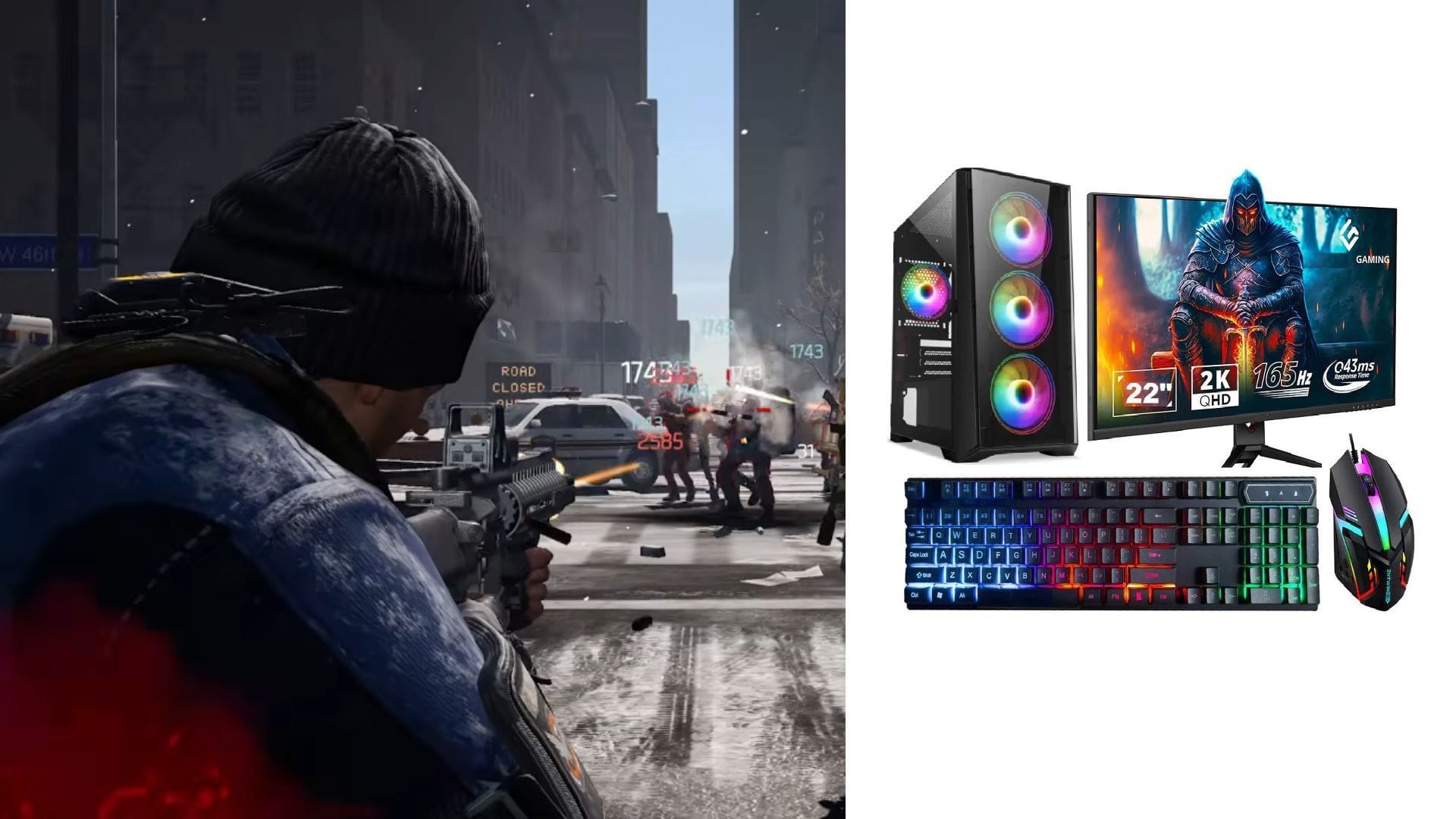
Playing The Division Resurgence on PC can be achieved even though it was originally designed for mobile devices. As there is no official PC version available, players can utilize Android emulators or similar tools to run the game. These emulators enable installation of the shooter game, utilization of keyboard and mouse controls, and offer better performance on larger screens.
This guide provides a detailed walkthrough of the necessary steps and setup required to begin playing The Division Resurgence on a PC. Here is how you can enjoy the game on your computer.
Also read: Crimson Desert hotfix improves Nvidia Ray Reconstruction and DLSS visuals on Steam
Is it Possible to Play The Division Resurgence on PC? Explained
To play the game on PC, you can utilize an emulator. Emulators are PC applications that allow running Android apps and games on computers. Popular emulator options include BlueStacks, MuMu Player, LDPlayer, and NoxPlayer. Among these, BlueStacks stands out due to its reliability and enhanced controls.
Follow the steps below to start playing The Division Resurgence on your PC:
1) Install an emulator:
- Visit the official website of your chosen emulator.
- Download and install the emulator on your PC.
2) Configure the emulator
- Once installed, launch the emulator.
- Sign in with your Google account to grant access to the Play Store and its services.
3) Install the game
- Access the Google Play Store through the emulator.
- Search for The Division Resurgence.
- Click on Install and wait for the download to complete.
4) Launch and enjoy
- Start the game from the emulator in the application menu on the home screen.
- Adjust graphics and controls based on your system and preferences.
- Begin playing using keyboard and mouse inputs.
Currently, using an emulator is the most effective method to play The Division Resurgence on a PC. Once the game is installed, the setup process is straightforward and resembles that of a mobile device. Most emulators also support high frame rates and improved controls for a seamless gaming experience.
Also read: How to enable DLSS 4.5 6x Multi-Frame Gen?
Edited by Abu Amjad Khan