Table of Contents

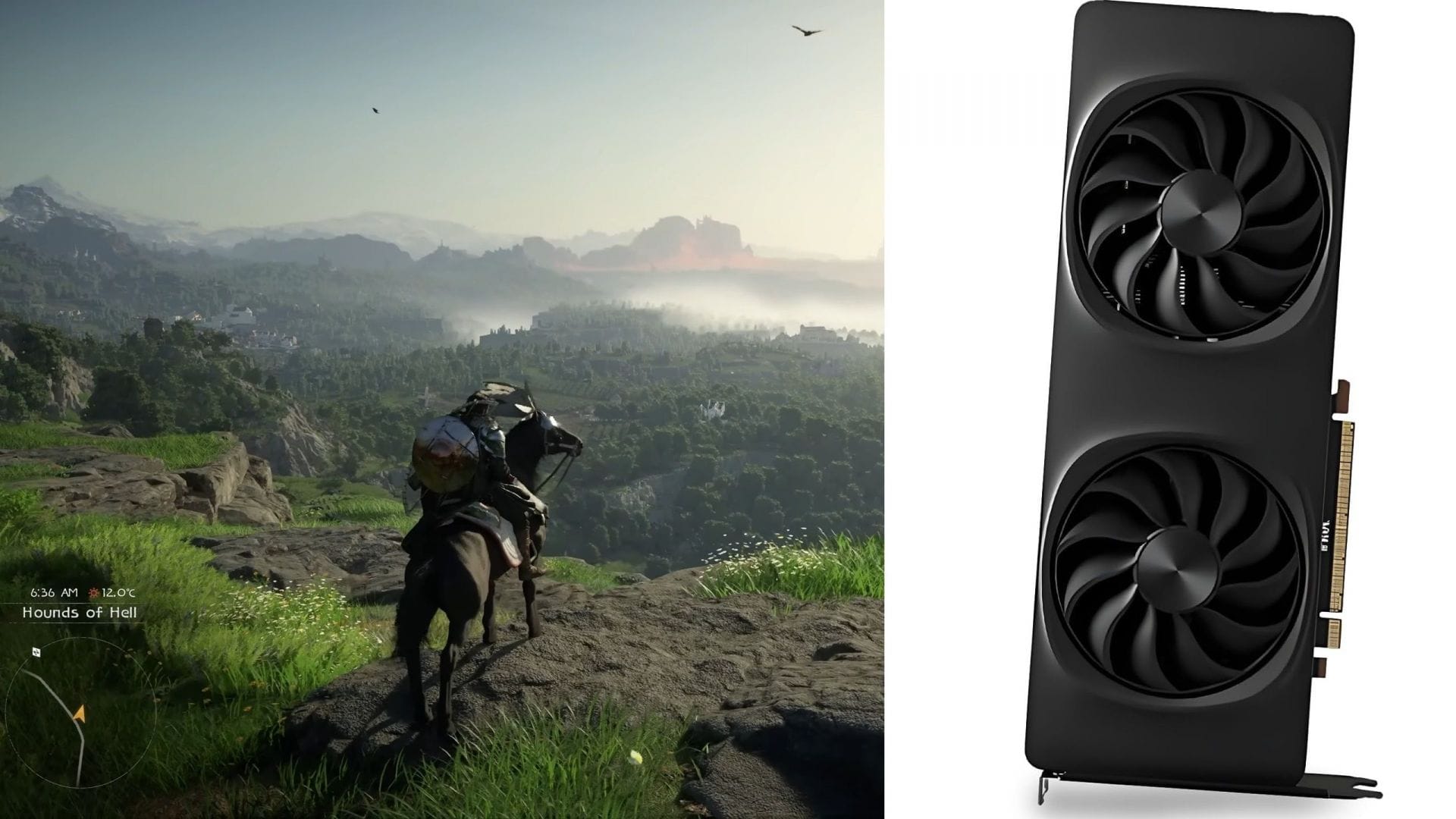
A recent patch for Crimson Desert by Pearl Abyss brings official support for Intel Arc GPUs and the full XeSS 3.0 suite. This update is particularly exciting for Intel Arc users, as the game previously had issues launching on Arc graphics cards, leading to a significant controversy.
Pearl Abyss, the South Korean studio behind the game, has now fulfilled its promise to address the problem. In this article, we will delve into the details of this update and provide tips on maximizing FPS on Intel Arc GPUs.
Crimson Desert Embraces Intel Arc GPUs and XeSS 3 with Frame Gen
The patch introducing official support for Intel Arc GPUs was released by Pearl Abyss on April 11, 2026. This development was foreshadowed by the release of a new driver by Intel on April 9, 2026, which allowed the game to launch on Arc GPUs, albeit with some visual issues. The driver release hinted at upcoming official support for Intel Arc GPUs.
Shortly after, Pearl Abyss rolled out a new patch, officially enabling support for Intel Arc graphics cards. The Patch Notes Version 1.03.00 for Crimson Desert highlighted the following changes:
“Added support for Intel Arc GPUs. Compatibility and performance across various Intel GPUs will continue to be improved over time. Added the ‘Intel XeSS 3.0’ option under Settings > Video > Upscale Mode. Added the ‘Intel XeSS Frame Generation’ option under Settings > Video.”
According to the patch notes, performance and compatibility for Intel Arc GPUs will see further enhancements in future updates. Additionally, XeSS 3.0 upscaling and frame generation (FG) have been incorporated by Pearl Abyss.
Although the patch notes do not explicitly mention XeSS Low Latency (LL), which is crucial for minimizing input lag when FG is active, the inclusion of XeSS FG likely implies automatic activation of XeSS LL without a separate toggle.
Optimal Settings for Crimson Desert on Intel Arc GPUs
When playing Crimson Desert on Intel Arc GPUs, make sure to adjust the following key settings:
Utilizing XeSS 3 with Frame Gen in Crimson Desert
Employing XeSS 3 upscaling is crucial for achieving a consistent 60+ FPS on Intel Arc GPUs. However, the decision to use XeSS Quality, Balanced, or Performance will hinge on the specific Arc graphics card you have. As for Intel XeSS 3 FG, its suitability depends on your monitor. If you own a 120Hz or higher refresh rate monitor, enabling FG is advisable, provided the game maintains a minimum FPS of 50–60. If not, it’s best to keep FG disabled.
For optimal balance between FPS and latency, stick to 2X FG mode. With 2X FG, the Intel Arc B580 should be capable of running Crimson Desert at around 120 FPS.
Edited by Suraj Bhowal