Table of Contents
The Ultimate Guide to Optimizing Lego Batman Legacy of the Dark Knight for Low-End PCs
Are you a fan of fast-paced action, puzzle-solving, and lighthearted humor? If so, Lego Batman Legacy of the Dark Knight is the game for you. This visually upgraded package offers an immersive experience that combines all the elements of a great LEGO adventure. But what if you have a low-end PC? Can you still enjoy this game to the fullest? The answer is yes, and this guide will show you how.
System Requirements and Optimization
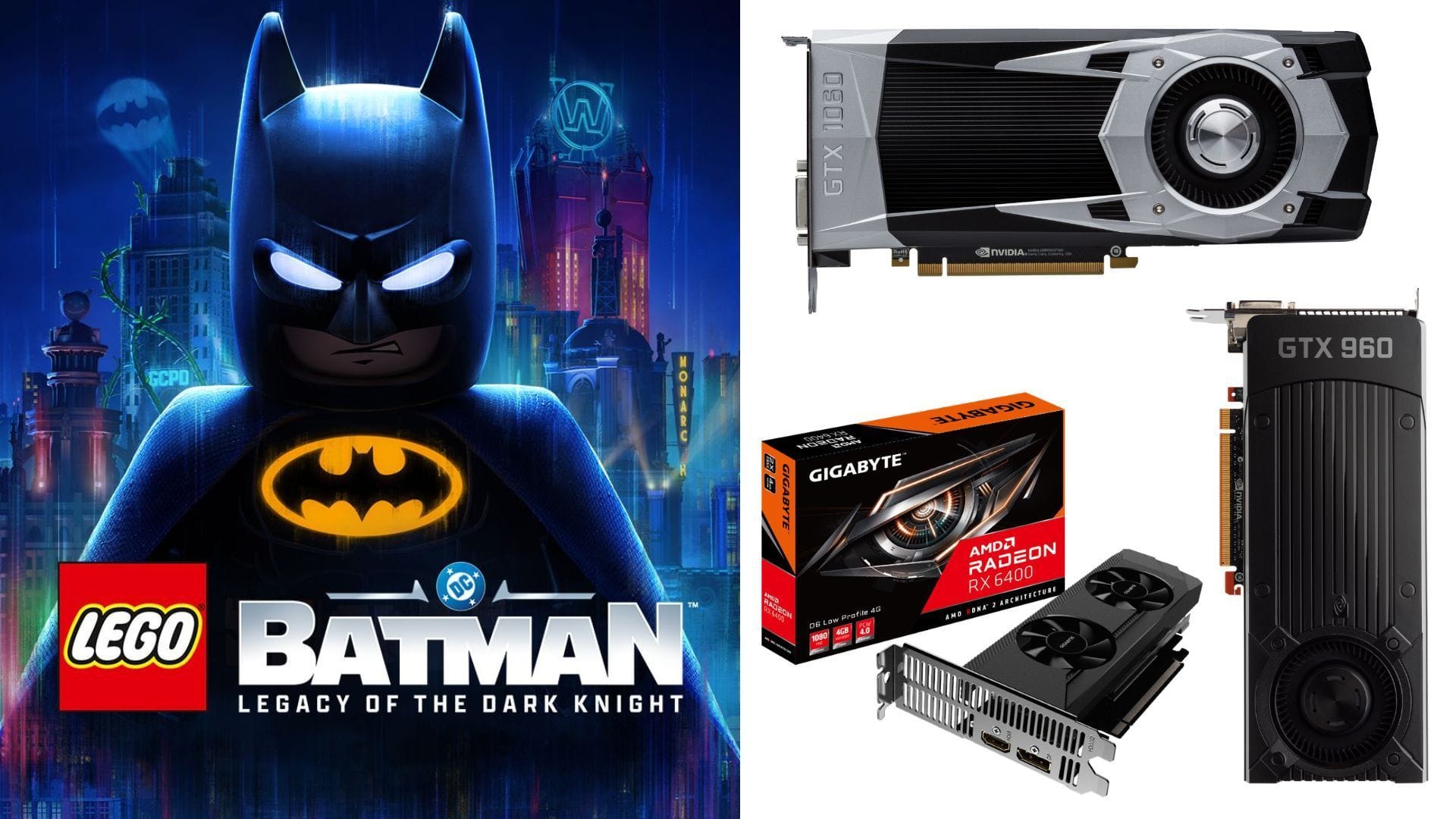
Looking at the system requirements for Lego Batman Legacy of the Dark Knight, it’s clear that the game isn’t very demanding. This means that even gamers with relatively older or less powerful setups can enjoy the game at 1080p. However, to achieve the best balance between visual quality, responsiveness, and consistent performance, you need to optimize your settings.
Best Settings for 1080p
For smooth gameplay at 1080p, here are the best settings to use:
Display
- Window Mode: Windowed Fullscreen
- VSync: Off
- Frame Rate Limit: Unlimited
- Resolution: 1920 x 1080
- HUD Visibility: Dynamic
Graphics
- Display Calibration: Default
- Anti-Aliasing: TSR (greyed out)
- Anti-Aliasing Base Resolution: 100% (greyed out)
- Upscaling: AMD FSR
- Upscaling Quality: Quality
- Frame Generation: AMD FSR-FI
Graphics Quality
- Quality Presets: Custom
- Lighting Quality: Low
- Shadows: Low
- View Distance: Near
- Streaming Distance: Near
- Textures: Low
- Anisotropic Filtering: 2
- Material Quality: Low
- Distance Field Ambient Occlusion: Off
- LEGO Mesh Quality: Low
- Effects: Low
- Reflections: Low
- Post Processing: Off
- Population Quality: Low
Camera
- Gameplay Field of View: 75
- Dynamic Field of View: 100%
- Camera Shake: 100%
- Third-Person Camera Reset Speed: Fast
Fullscreen Effects
- Fullscreen Effects Enabled: On
- Motion Blur: Off
- Vignettes: Off
- Weather Effects: On
- Repeating Visual Effects: On
- Bloom: Off
- Screen Space Ambient Occlusion: Off
By using these settings, you can achieve a good balance between visuals and performance, with frame rates typically ranging between 60 and 90 FPS. While older GPUs may not support Nvidia DLSS upscaling, you can still utilize AMD FSR upscaling for improved performance.
Experiment and Enjoy
Feel free to experiment with the settings to find the perfect balance for your system. Most Fullscreen Effects have a minimal impact on performance, so you can tweak them based on your preferences. With the right optimizations, even a low-end PC can deliver a smooth and enjoyable gaming experience in Lego Batman Legacy of the Dark Knight.
Conclusion
With the right settings and optimizations, even gamers with low-end PCs can enjoy the immersive world of Lego Batman Legacy of the Dark Knight. By following this guide, you can achieve the perfect balance between visual quality and performance, ensuring a smooth and enjoyable gaming experience every time you play.