Table of Contents
The Ultimate Guide to Optimizing Your Onimusha Way of the Sword Gameplay at 1440p
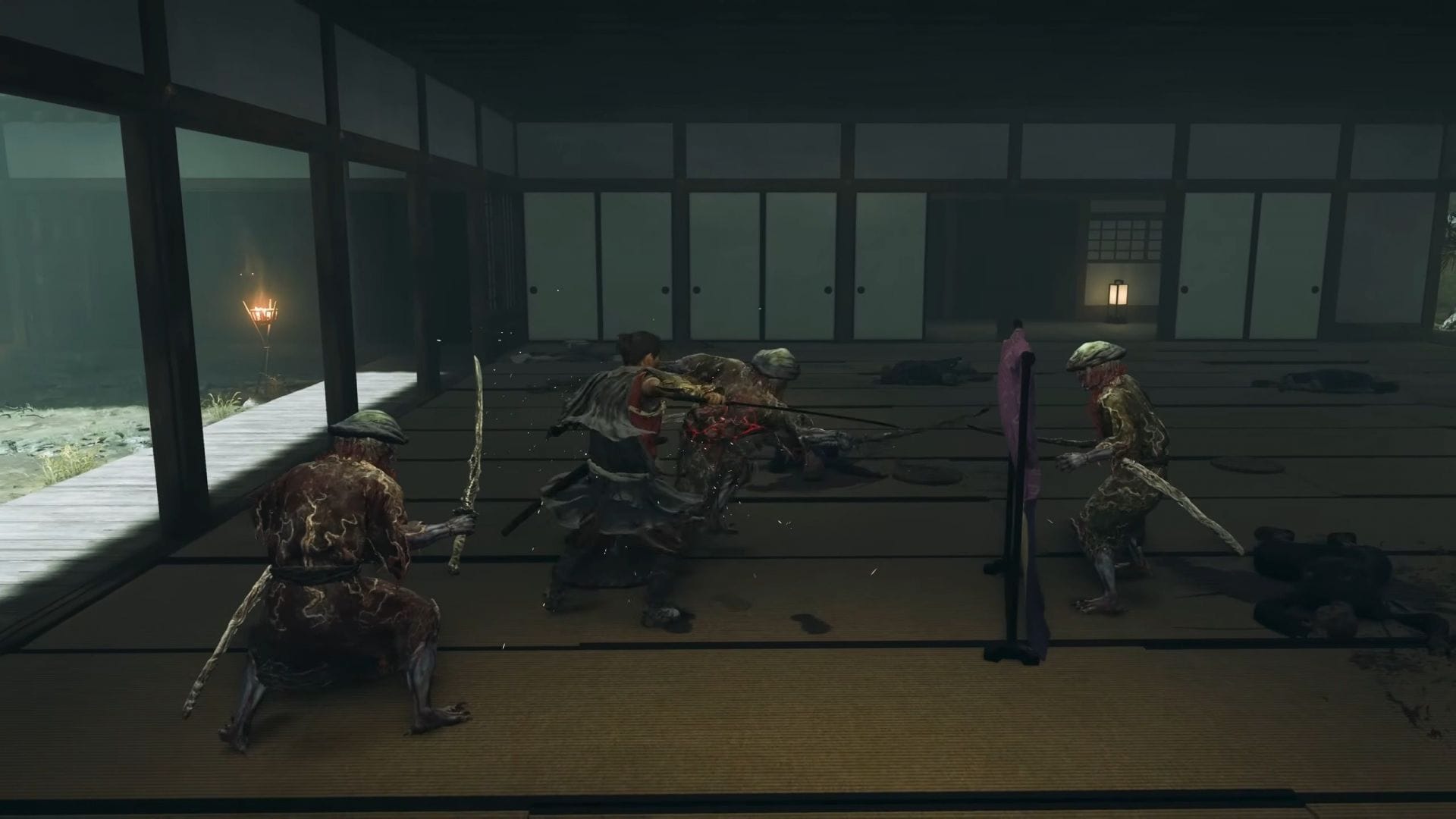
Are you a fan of Onimusha Way of the Sword but frustrated with the default settings that don’t fully utilize your PC’s capabilities? Fear not, as we have the perfect solution for you. By tweaking a few key settings, you can enjoy a visually stunning and smooth gaming experience at 1440p resolution. Let’s dive into the best-optimized settings for Onimusha Way of the Sword.
Display Settings
- Display Used: Your primary display
- Screen Mode: Borderless Windowed
- Resolution: 2560 x 1440
- Aspect Ratio: 16:9
- Adjust HUD for Ultra-Wide Display: Do nothing unless you have an Ultra-Wide display
- Frame Rate: 120
- Uncapped Frame Rate: Off
- VSync: Off (Turn on if you don’t have a FreeSync or G-Sync monitor)
- NVIDIA Reflex Low-Latency Mode: On (For NVIDIA GPU)
- AMD Anti-Lag 2.0: On (For AMD GPU)
- HDR Mode: Automatically Enable
- Brightness: As per preference
- Color Space: sRGB
Graphics Settings
- CPU Performance: Prioritize Performance
- Graphics Preset: Custom
- Upscaling (Super Resolution): NVIDIA DLSS 310.5.2 / AMD FSR 3.1.4
- DLSS Super Resolution Preset: DLSS 4.5 Preset M
- Frame Interpolation: Off
- Upscaling Mode: Balanced
- Upscaling Sharpness: 30
- Anti-Aliasing: Don’t change manually
- Render Scale: Don’t change manually
- Ray Tracing: Medium
- Texture Quality: Medium
- Texture Filtering Quality: High (Aniso x8)
- Mesh Quality: Medium
- Sky/Cloud Quality: Low
- Foliage Quality: Medium
- Foliage Movement: On
- Ground Quality: High
- Cull Distance: Medium
- Shadow Quality: Medium
- Contact Shadows: On
- Ambient Occlusion: Medium
- Bloom: On
- Motion Blur: Off
- Vignette Effect: Off
- Screen Space Reflection: High
- SSSS Scattering: On
- Volumetric Fog Quality: Medium
Enhance Your Onimusha Way of the Sword Experience
By following these optimized settings, you can elevate your Onimusha Way of the Sword gameplay to new heights without compromising on performance or visuals. For an even smoother experience, consider switching the DLSS/FSR Upscaling Mode to Performance. Now, immerse yourself in the world of Onimusha Way of the Sword like never before and enjoy every moment of the adventure.
Edited by Suraj Bhowal