Table of Contents

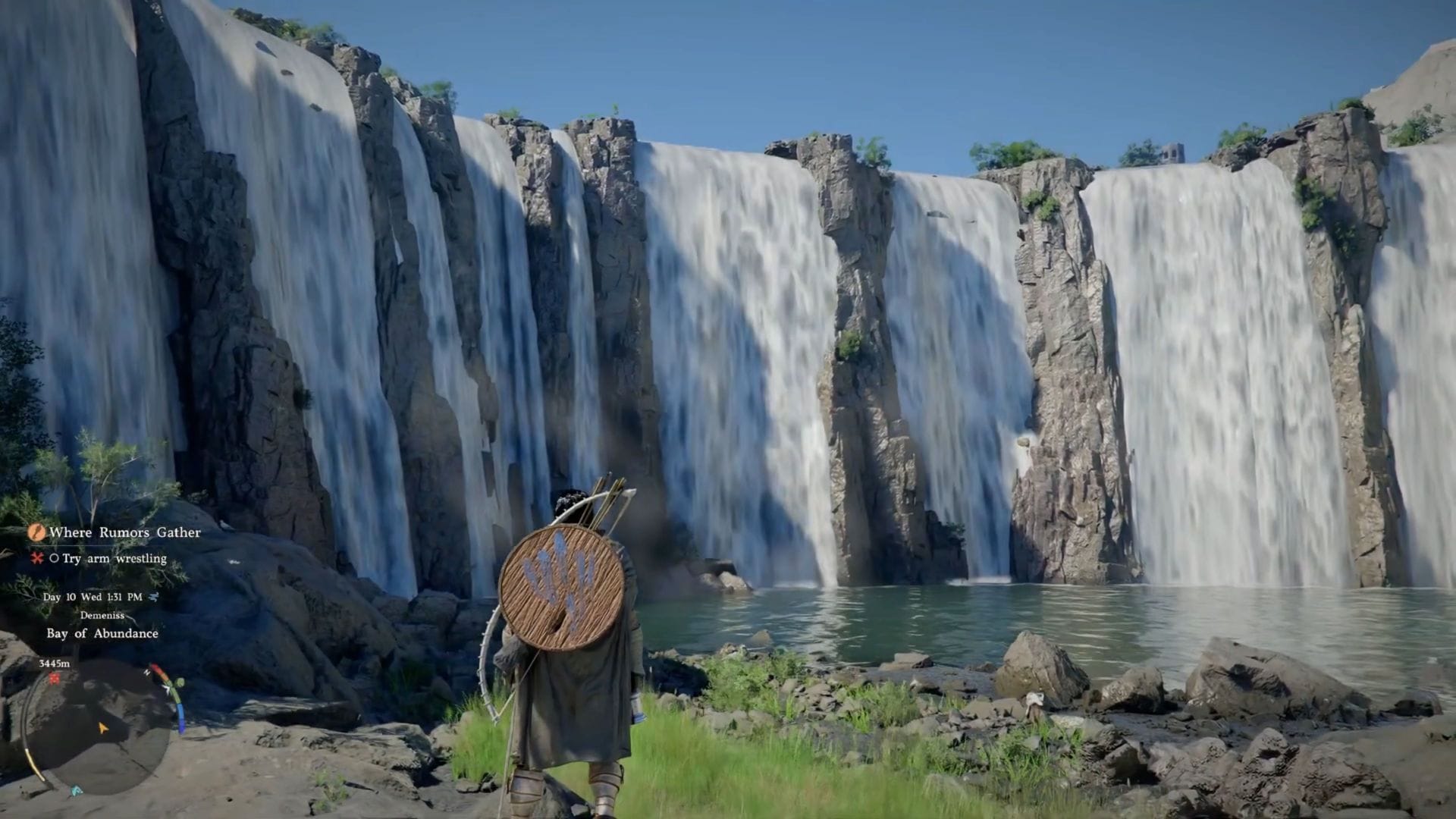
Embark on a thrilling journey in Crimson Desert, an open-world action-adventure game where you step into the shoes of Kliff, a formidable mercenary leader. The game boasts a dynamic combat system that seamlessly blends classic RPG mechanics with the fast-paced action of an adventure game. Mastering the key bindings is crucial due to this innovative combat approach.
Although the default controls are functional, some players may find certain bindings less intuitive, especially those accustomed to the open-world action-adventure genre. Below, you’ll discover my personalized keyboard bindings that enhance the gameplay experience.
Essential Keyboard Binds for Crimson Desert
Here are the must-have keyboard bindings for Crimson Desert:
Input
- Sprint: LShift
- Jump: Space Bar
- Evade: Alt
- Aim/Guard: Q
- Crouch/Slide: Ctrl
- Stow Weapon: T
- Call Mount: H
- Dismount/Put Down: R
- Cancel: F
- Lock-on: Caps
- Use Gear: B
Combat
- Light Attack: Left Mouse Click
- Heavy Attack: Right Mouse Click
- Punch/Kick: V
- Aim: C
- Mark Focus Shot: Right Mouse Click
- Skill: Focus: X
- Skill: Axiom Force: Tab
- Skill: Force Palm: Middle Mouse Click
- Skill: Turning Slash: Left + Right Mouse Click
- Skill: Shield Bash: Ctrl + Right Mouse Click
- Skill: Stab: LShift + Right Mouse Click
- Skill: Evasive Slash: Alt + Left Mouse Click
- Skill: Spinning Slash: LShift + Left Mouse Click
- Skill: Vault: Space Bar + Left Mouse Click
- Skill: Throw: F + Left Mouse Click
- Skill: Lariat: F + Right Mouse Click
- Skill: Blinding Flash: Ctrl + Right Mouse Click
- Focus Skill: Blinding Flash: Ctrl
- Skill: Quick Swap: Z
- Skill: Imbue Element: F
- Skill: Flame: 1
- Skill: Frost: 2
- Skill: Lighting: 3
- Skill: Wind: 4
Basic UI Controls
- Main Menu: Esc
- Open Comrade Quick Slot: F1
- Open Equipment Quick Slot: F2
- Open Skill and Food Quick Slot: F3
Interact
- Interaction 1: E
- Interaction 2: R
- Interaction 3: T
- Interaction 4: G
- Previous: Q
- Next: E
- Push: Left Mouse Click
- Pull: Right Mouse Click
- Aim: Right Mouse Click
- Fire: Left Mouse Click
I have tailored seven key bindings across the Input, Combat, and Interact categories to optimize the gameplay experience in Crimson Desert. These adjustments aim to make the combat system more intuitive and familiar, especially for players transitioning from action-adventure and shooter games. The customized key bindings include Aim/Guard, Crouch/Slide, Cancel, Punch/Kick, Aim, and Skill: Imbue Element.
Personal preferences play a significant role in key bindings, as what works well for one player may not suit another. However, if you have experience with modern action games and open-world titles, these modifications are likely to align well with your playstyle.
Edited by Suraj Bhowal