Table of Contents
The Ultimate Guide to Fixing Lost Castle 2 Crashing on PC
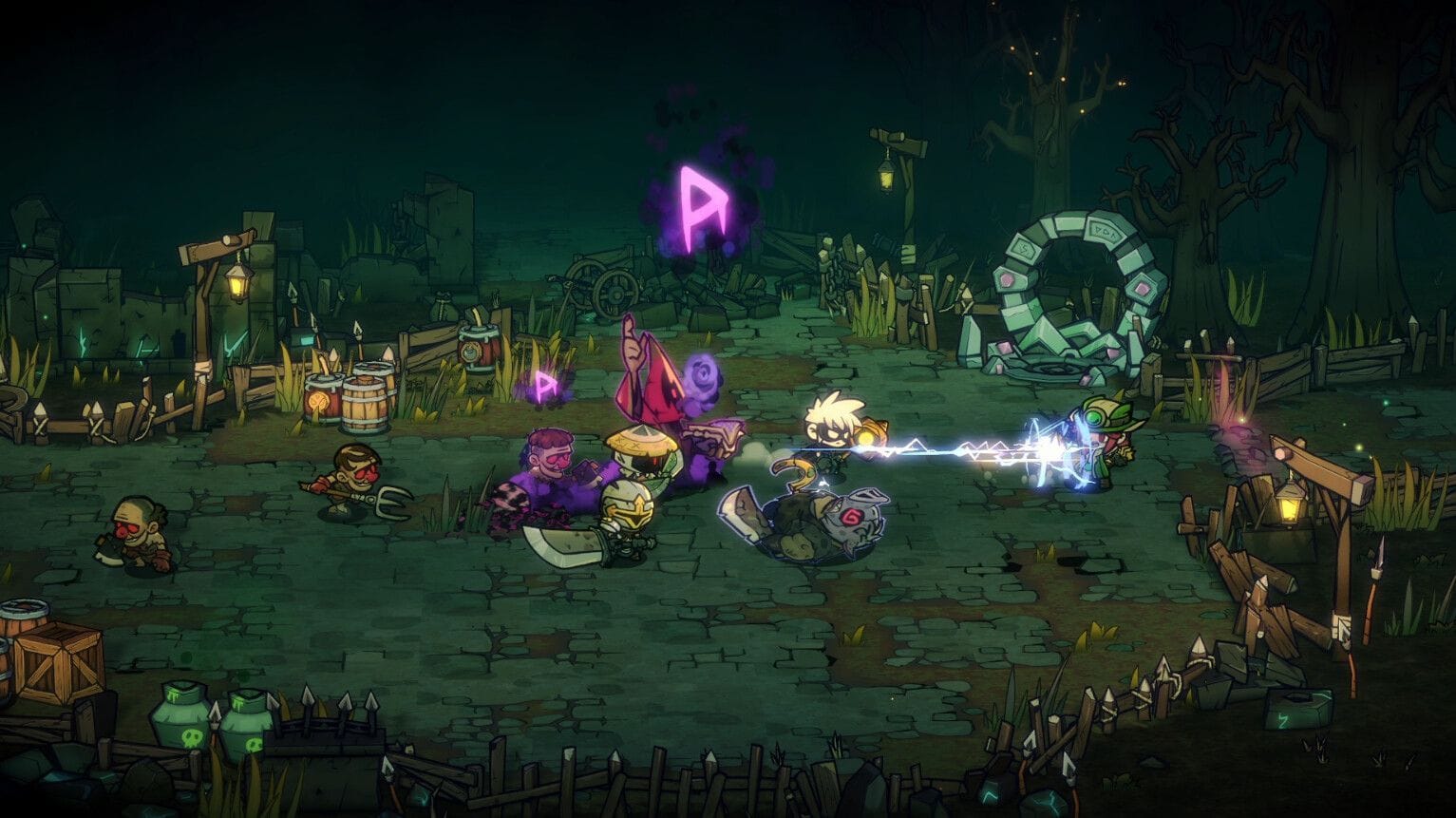
Embark on an epic journey through the mystical world of Lost Castle 2, a captivating side-scroller action game that promises hours of exhilarating gameplay. However, some PC players have encountered frustrating issues with freezing and crashing, disrupting their gaming experience. As a roguelite game, losing progress due to technical problems can be disheartening.
Unraveling the Mystery of Lost Castle 2 Crashes
When faced with crashing issues in Lost Castle 2, it’s essential to explore various troubleshooting methods to ensure a seamless gaming experience. Here are some potential fixes to address the crashing problem:
1. Verify File Integrity
One common cause of game crashes is corrupt or missing files. To resolve this issue, follow these steps to verify the integrity of game files on Steam:
- Right-click on Lost Castle 2 in your Steam Library.
- Select “Properties” from the drop-down menu.
- Navigate to the “Installed Files” tab.
- Click on the “Verify integrity of game files” button to allow Steam to scan and repair any damaged files.
2. Disable Modding Tools
Modding software such as BepInEx can sometimes trigger compatibility issues, leading to crashes. Consider disabling these tools and attempting to launch the game to determine if the problem persists.
3. Change Installation Directory
If the game files are not the root cause of the crashes, you can try changing the installation directory to see if it resolves the issue. Follow these steps:
- Log in to your Steam account.
- Click on the Steam button in the top right corner.
- Select “Settings” from the dropdown menu.
- Go to the “Storage” tab to view all installed Steam games.
- Choose Lost Castle 2 and select “Move” to relocate its installation location to a different disk.
4. Update BIOS
If you’ve exhausted all other options and the game continues to crash, it may be related to specific CPU frequencies. Consider updating your computer’s BIOS to the latest version by visiting your motherboard or laptop manufacturer’s website for the necessary updates.
Conclusion: Overcoming Technical Hurdles in Lost Castle 2
By implementing these troubleshooting strategies, you can effectively address crashing issues in Lost Castle 2 on PC and enjoy a seamless gaming experience filled with adventure and excitement. Don’t let technical setbacks hinder your quest for glory in this captivating roguelite game.