Table of Contents
The Ultimate Guide to Fixing Stuttering in Marvel Tokon Fighting Souls on PC
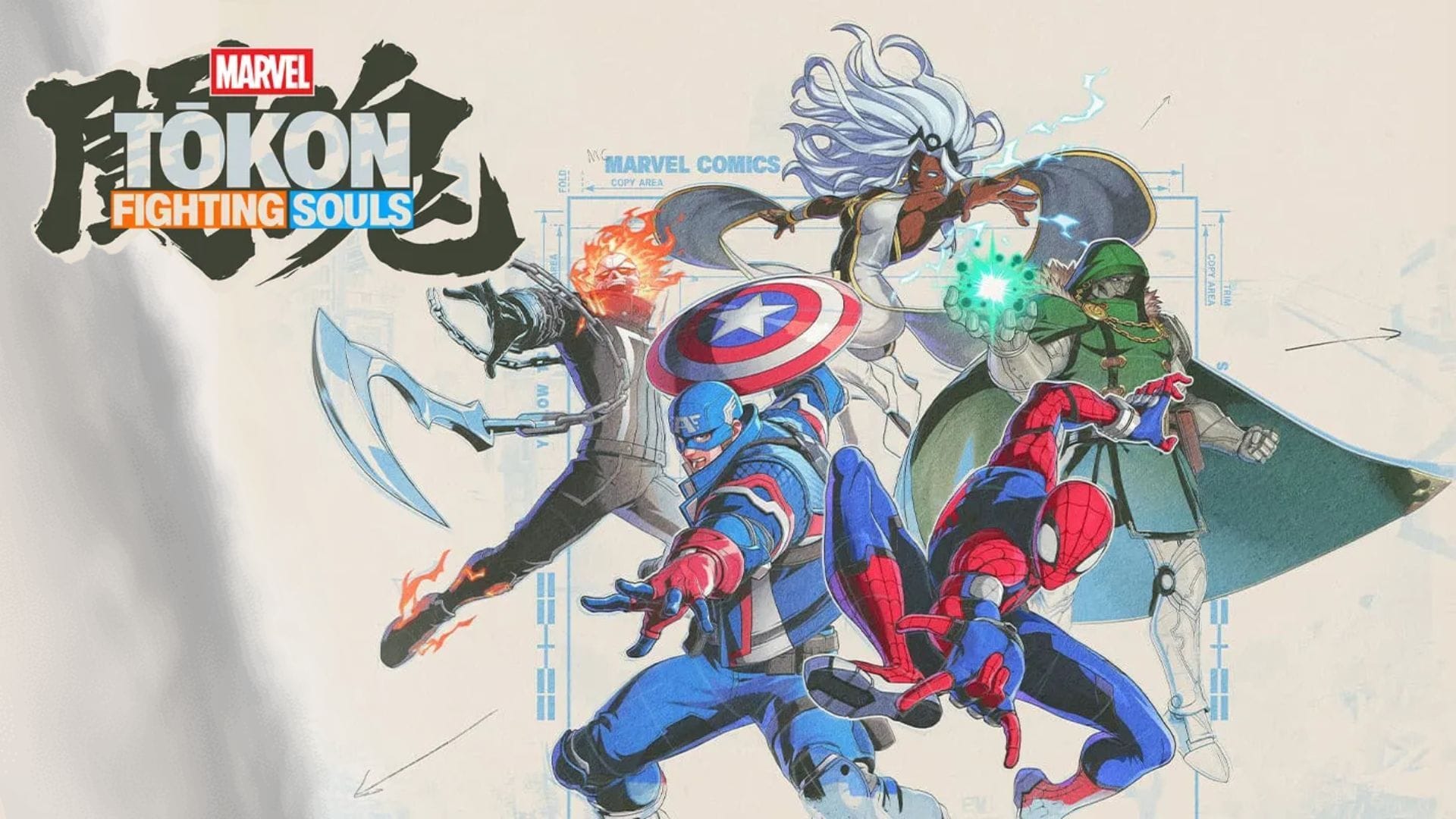
Marvel Tokon Fighting Souls is a thrilling 4v4 tag-team fighting game that immerses players in the world of iconic Marvel superheroes and villains. With its visually stunning anime-inspired art style, flashy special moves, and intense online battles, the game promises an exhilarating gaming experience. However, some players have reported encountering stuttering and frame pacing issues, disrupting their gameplay. If you’re facing similar challenges, fret not! We’ve got you covered with some troubleshooting methods to help you eliminate stuttering in Marvel Tokon Fighting Souls on PC.
Possible Fixes for Marvel Tokon Fighting Souls Stuttering on PC
Although neither Arc System Works nor PlayStation Studios has officially acknowledged a widespread stuttering problem in Marvel Tokon Fighting Souls, early community feedback suggests that some players are experiencing frame pacing inconsistencies and FPS drops. Here are some potential fixes to address the stuttering issue on PC:
- Verify the integrity of game files.
- Update your GPU drivers.
- Wait for the game to finish compiling shaders.
- Lower demanding graphics settings.
- Close unnecessary background applications.
- Uninstall and reinstall the game.
Detailed Explanation of Each Fix:
1) Verify the Integrity of Game Files
Corrupted or missing game files can lead to performance issues like stuttering. If you’re playing Marvel Tokon Fighting Souls on Steam, verifying the integrity of game files can help. Follow these steps:
- Launch Steam and head to your Library.
- Right-click Marvel Tokon Fighting Souls and select Properties.
- Navigate to the Installed Files tab.
- Click Verify integrity of game files.
2) Update Your GPU Drivers
Ensure you have the latest GPU drivers installed to benefit from optimizations and fixes that can enhance performance and stability in Marvel Tokon Fighting Souls.
3) Wait for the Game to Finish Compiling Shaders
Marvel Tokon Fighting Souls compiles shaders during the initial launch or when loading new content, which may cause temporary performance issues. Waiting for shader compilation to complete can lead to smoother gameplay.
4) Lower Demanding Graphics Settings
Adjusting graphics settings, especially options like Shadows, Effects, Post Processing, and Anti-Aliasing, can help improve performance and reduce stuttering. Consider enabling GPU-specific technologies like DLSS, FSR, or XeSS for a performance boost.
5) Close Unnecessary Background Applications
Shut down unnecessary background applications to free up system resources and minimize stuttering caused by resource contention. Programs like web browsers, Discord, and game overlays can impact gaming performance.
6) Uninstall and Reinstall the Game
If all else fails, perform a clean reinstallation of Marvel Tokon Fighting Souls to address any installation errors or corrupted files that may be causing stuttering.
Stuttering can detract from the enjoyment of Marvel Tokon Fighting Souls, but with these troubleshooting methods, you can enhance your gameplay experience. Remember to keep your game and GPU drivers updated for potential optimization improvements in the future. Happy gaming!
Check out other articles by Sportskeeda:
Edited by Adith Pramod