Table of Contents
The Ultimate Guide to Playing Gothic 1 Remake on Steam Deck
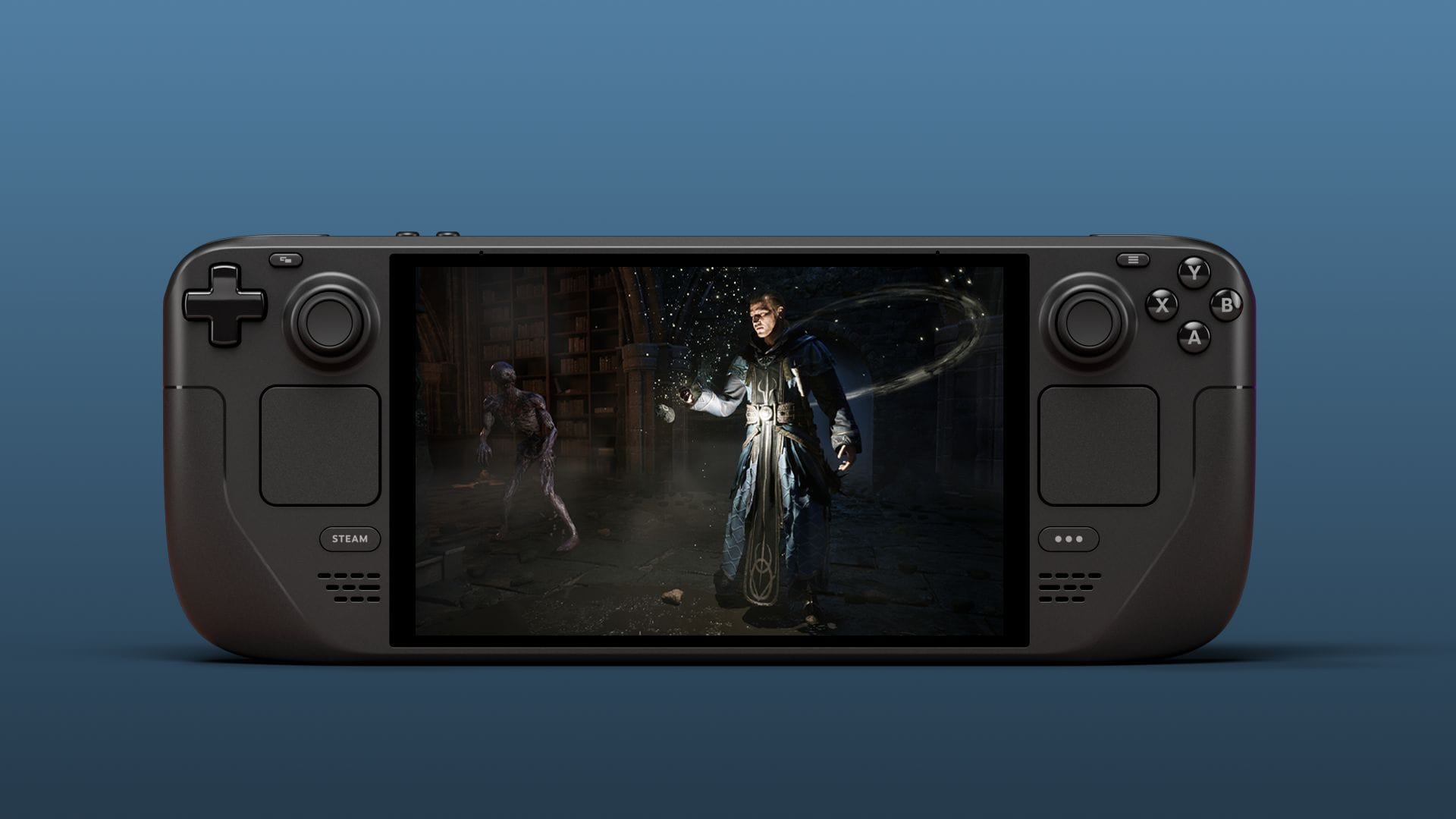
Are you ready to embark on the nostalgic journey of Gothic 1 Remake on your Steam Deck? As a fan of this classic RPG series, the excitement is palpable. However, before you dive in, it’s crucial to understand how this highly anticipated title performs on the portable console. With the power of Unreal Engine 5 behind it, running the game smoothly on a handheld device comes with its own set of challenges. Let’s explore everything you need to know to optimize your gaming experience on the go.
Best Settings for Gothic 1 Remake on Steam Deck
Configuring your game settings correctly is key to maximizing your enjoyment of Gothic 1 Remake on Steam Deck. To ensure the best possible gameplay experience, here are the recommended settings:
Display:
- Display Mode: Borderless
- V Sync: Off
- Frame rate limit: Unlimited
- Gamma: 2.2
- Field of View: 75
Graphics & Post Processing:
- Motion Blur Intensity: 100
- Bloom Intensity: 100
- Depth of Field Intensity: 100
- Ambient Occlusion Intensity: 100
- Sharpening Intensity: 20
Color Correction:
- Saturation: 0
- Contrast: 0
- Brightness: 0
- Extra Interior Exposure: Default
Temporal Upscaling:
- Upscaler: TSR
- Upscaling Quality: Performance
Render Quality:
- Quality Preset: Low
- View Distance Quality: Low
- Anti-Aliasing Quality: Low
- Shadow Quality: Low
- Global Illumination Quality: Low
- Reflection Quality: Low
- Post-Processing Quality: Low
- Texture Quality: Low
- Effects Quality: Low
- Foliage Quality: Low
- Shading Quality: Low
- Landscape Quality: Low
- Wind Quality: High
Performance of Gothic 1 Remake on Steam Deck
When it comes to running Gothic 1 Remake on Steam Deck, the optimization challenges are apparent. Despite the decent visuals on the lowest settings, maintaining a smooth 30 fps can be a struggle, especially in certain regions like the New and Old Camps. Frame rate drops and lag issues plague the gameplay experience, making it less than ideal for portable play.
Exploring the map becomes a jerky and frustrating affair, with severe lag hindering your every move. While there are potential solutions like adjusting Proton versions or experimenting with different modes, the fundamental performance issues persist, detracting from the overall enjoyment of the game on Steam Deck.
Is Gothic 1 Remake Worth Playing on Steam Deck?
Considering the current performance issues, playing Gothic 1 Remake on Steam Deck may not be the optimal choice. The stuttering, frame rate drops, and lag make the experience far from seamless, even with the lowest settings. For die-hard fans of the franchise, it may be best to wait for future optimization updates that could potentially enhance the portable gaming experience.
Until significant improvements are made, it’s advisable to enjoy Gothic 1 Remake on a more powerful gaming platform to fully immerse yourself in the world of this classic RPG. By choosing a dedicated gaming PC or a high-performance console, you can avoid the frustrations of subpar performance on Steam Deck and truly savor the nostalgic journey that Gothic 1 Remake has to offer.
Edited by Ripan Majumdar