Table of Contents
Optimizing Graphics Settings for Peak Performance in Aion 2
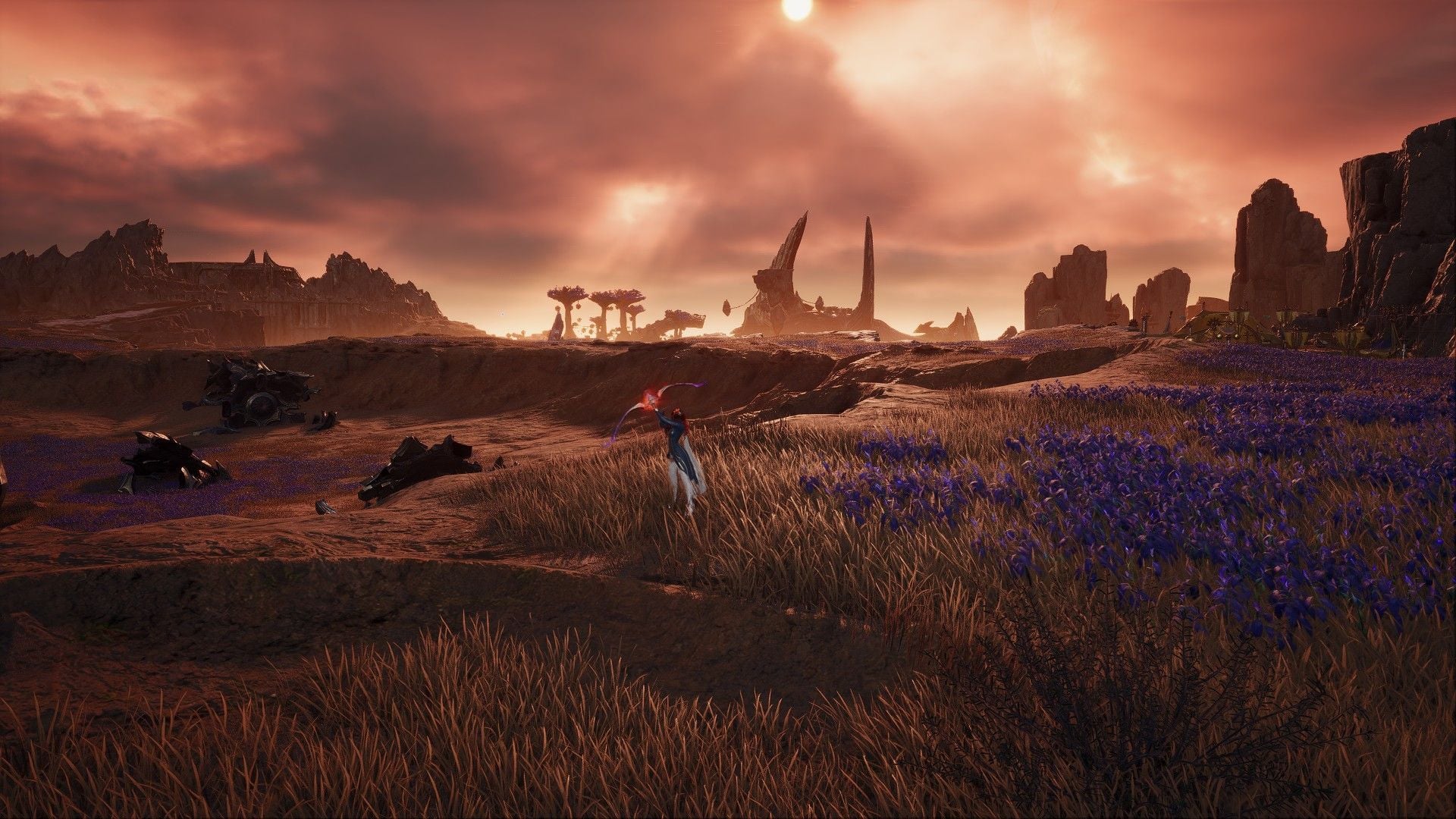
Are you ready to experience Aion 2 like never before? Dive into the world of this Unreal Engine 5 masterpiece with optimized graphics settings that will enhance your gameplay and visuals. After hours of fine-tuning and testing, I’ve discovered the perfect configuration to unlock the full potential of Aion 2.
Unleashing the Power of Aion 2
Embark on your Aion 2 journey by navigating to Settings > Graphics > Optimize and adjusting the following parameters:
- Display Mode: Choose Borderless Windowed for stability and optimal performance.
- Resolution Scale: Opt for Quality or Balanced based on your hardware specifications.
- Texture Quality: Select Normal or High for crisp visuals.
- Effect Quality: Set to Normal or Low for improved visual clarity.
- Mass Combat Quality: Keep it at Very Low to avoid performance drops in crowded areas.
- Model Quality: Choose Normal for excellent rendering without sacrificing performance.
- View Distance Quality: Set to High for enhanced visibility of in-game elements.
- Shadow Quality: Opt for Very Low or Low to maintain performance efficiency.
- Shading Quality: Keep it at Normal for a balanced visual experience.
- Global Illumination Quality: Choose Low for optimal lighting effects.
- Reflection Quality: Maintain it at Very Low for smoother gameplay.
- Cloud Quality: Select Normal or High to preserve the game’s stunning skyboxes.
- Post-processing Quality: Set to High for enhanced post-effects.
- Anti-Aliasing: Opt for High for improved image sharpness.
- Upscaler: Choose DLSS or FSR based on your graphics card.
- Player Particle Effects Display: Set to Self Only for optimized performance.
- Volumetric Light Scattering: Keep it On for immersive lighting effects.
- Ambient Occlusion: Select NCAO for balanced ambient lighting.
- Water Reflection Method: Choose Performance for optimal water visuals.
- Identical Player Appearance: Turn it On for smoother PvP encounters.
Enhance your gameplay further by adjusting Info Display > Common settings and turning off Display Other Players’ Pets.
Mastering Aion 2 Beyond Graphics
Delve into additional settings to elevate your Aion 2 experience:
- Adjust mouse sensitivity under Camera/Direction to enhance control precision.
- Enable Pursue Targets with Skill Activation in Combat > Controls for improved combat mechanics.
With these optimized settings and tweaks, you’re ready to conquer Aion 2 like a true champion. Immerse yourself in this visually stunning world and unleash the full potential of your gaming experience.
Conclusion
By following these meticulously crafted graphics settings and gameplay adjustments, you can elevate your Aion 2 experience to new heights. Embrace the beauty of Unreal Engine 5 and immerse yourself in the captivating world of Aion 2 with unparalleled performance and visuals. Are you ready to embark on this epic journey? The adventure awaits!