Table of Contents

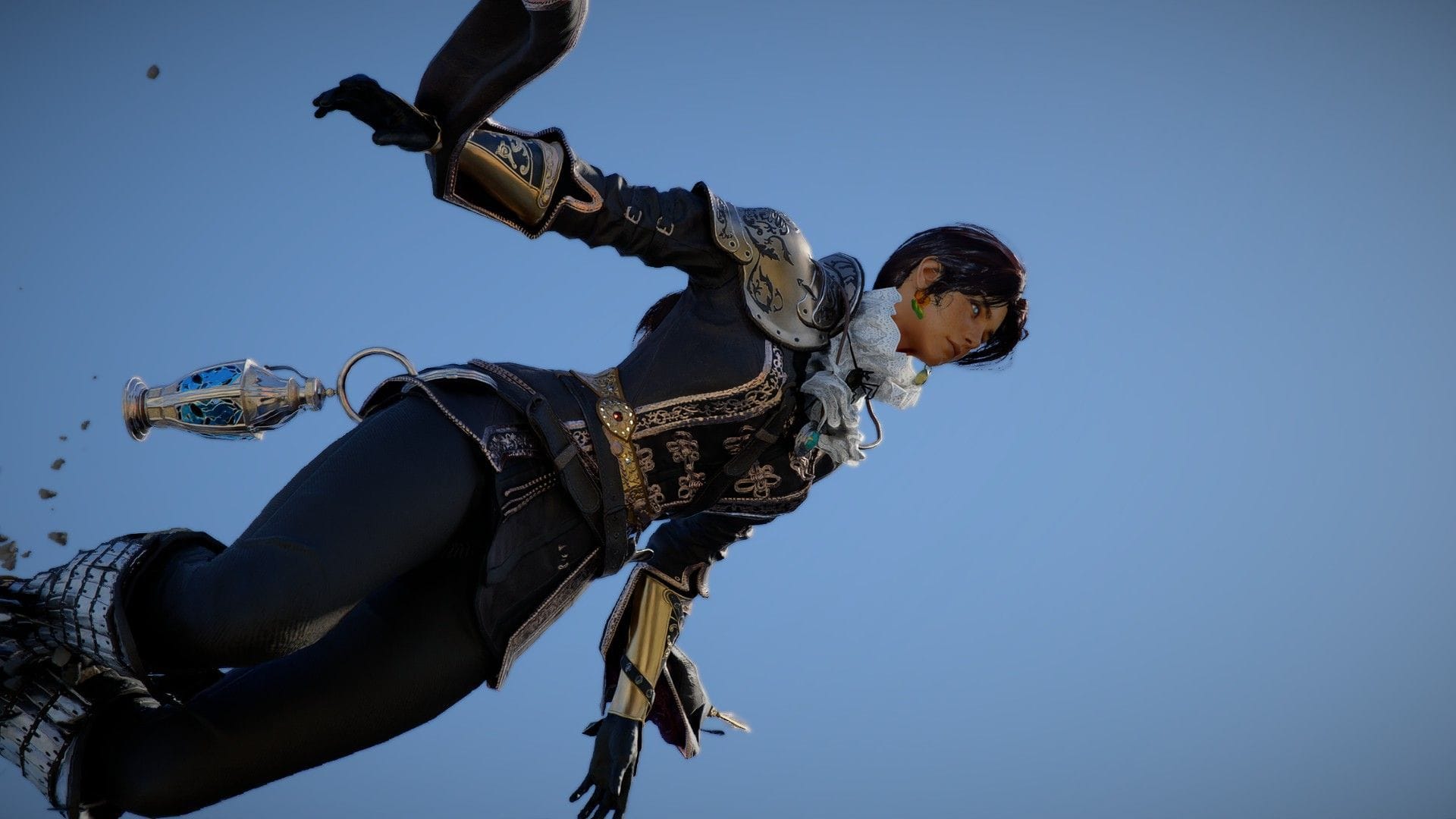
Even though Crimson Desert decided not to include character creation, modding can offer a solution. A month after the game’s release, Khione95’s Character Creator mod is the only option for those seeking customization beyond Kliff’s default appearance. However, there are important considerations to keep in mind before proceeding with this mod.
The mod currently has two versions available, each with its own set of complexities, bugs, and issues to be aware of. Here’s a breakdown of what to expect when using this mod.
Which version of Khione95’s Crimson Desert Character Creator mod is right for you?
As of April 16, version 3 of Khione95’s “Character Creator – Male and Female” mod is now available. Players can choose between sticking with version 3 or opting for the older version 2.
Version 3 drawbacks
- Version 3 introduces a .asi file, which is a dll hook enabling multiple character face presets. However, this file runs with full system access, raising potential security concerns and requiring exclusions from Windows Defender.
- Despite the added features, version 3 is not immune to bugs and crashes, especially when selecting certain customization options.
Version 3 advantages
- Version 3 offers a wider range of face presets and female armor variants, enhancing customization options in the game.
Version 2 drawbacks
- Version 2 limits customization to a specific preset before starting the game, with limited in-game customization options.
- The default armor edits in version 2 may cause visual glitches and inconsistencies in the game.
Version 2 advantages
- Version 2 simplifies the character creation process, allowing players to start with their desired preset without additional modifications.
- Unlike version 3, version 2 does not involve the use of a .asi file, ensuring a safer modding experience.
How to install Character Creation v2 for Crimson Desert
Regardless of the version chosen, players will need to download the latest JSON Mod Manager. The installation process involves selecting the appropriate preset and armor modules for desired customization.
For detailed installation instructions, refer to the mod page on Nexusmods.
- Download the preset and armor modules based on the desired character gender and race.
- Follow the instructions provided by the JSON Mod Manager to install the necessary files and folders.
By following these steps, players can successfully customize their character in Crimson Desert.
How to install Character Creator v3+ for Crimson Desert
Before installing version 3+, players should be aware of potential security risks associated with using runtime dll files. While Nexusmods verifies file safety, there may still be risks involved in using such files.
Players can follow the installation instructions provided on the mod page to set up version 3+ of the mod. However, it is recommended to proceed with caution and wait for more user feedback on the safety and stability of this version.
For a detailed installation guide, refer to the mod page on Nexusmods.
- Download the necessary files for version 3+ and follow the installation steps provided.
- Ensure to add exclusions for the JSON Mod Manager folder if necessary to prevent interference from antivirus programs.
After installation, players can enjoy enhanced customization options in Crimson Desert, though potential bugs and issues may still arise.
For those playing as a female Kliff, version 2 of the Character Creator mod offers a relatively bug-free experience compared to version 3. Despite some minor visual glitches, version 2 provides a stable customization option for players.
Stay updated on the latest tech news and guides for Crimson Desert for more information.
Edited by Sambit Pal