
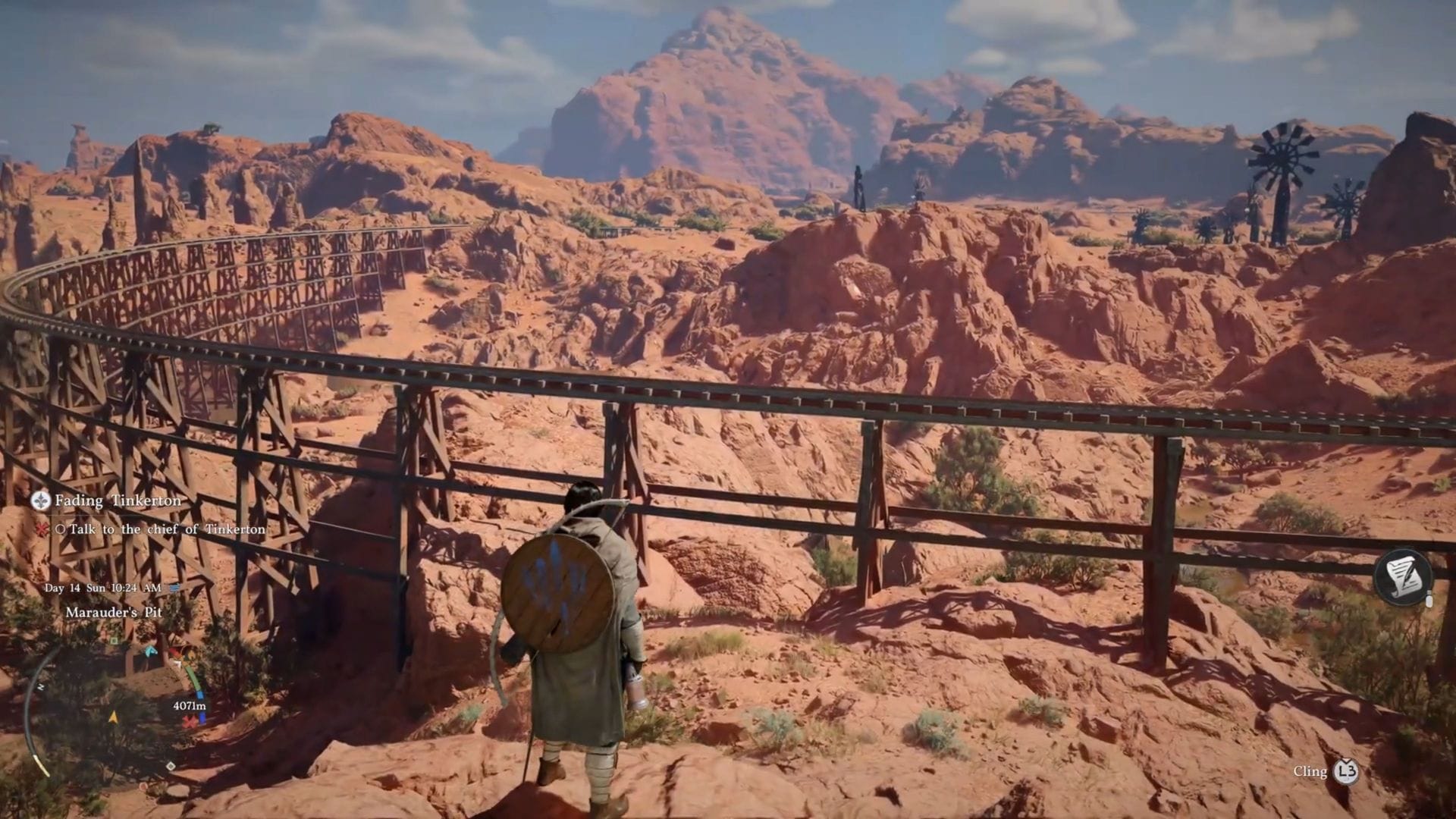
Crimson Desert stands out as one of the most visually impressive games of 2026 on the PS5. It presents players with three distinct graphical modes to choose from: Quality, Balanced, and Performance. However, selecting the optimal mode can be a bit perplexing, especially with the added complexity of the PS5’s native 120 Hz Output mode potentially causing blurriness in the game’s visuals.
This guide aims to simplify the settings and provide clear recommendations to ensure you have the best possible gaming experience.
Optimal Crimson Desert PS5 settings
For the best experience playing Crimson Desert on PS5, consider the following settings:
- Preset: Balanced
- Contrast: 50
- HDR: Off (unless using an OLED TV or proper FALD TV)
- V-Sync: On
- Brightness Adjustment: Adjust to personal preference
The game offers three graphical modes: Quality, Balanced, and Performance. Quality mode provides superior graphics and visuals but runs at 30 FPS. Performance mode, on the other hand, runs at a smoother 60 FPS but sacrifices visual quality. The Balanced mode strikes a good balance between visuals and performance, offering image quality close to the Quality preset while running at 40 FPS. This results in smoother and more responsive gameplay compared to the 30 FPS lock in Quality mode.
How to address blurriness in Crimson Desert
While the recommended settings can enhance your gaming experience, there is an additional issue to address. A bug in Crimson Desert causes the game to drop to a lower internal resolution when 120 Hz Output is enabled in the console settings. This can lead to noticeably blurry or soft-looking graphics, even in Balanced or Quality mode.
Follow these steps to resolve the blurriness problem:
- Navigate to your PS5’s settings menu (not the in-game settings).
- Go to Screen and Video.
- Ensure Video Output is selected on the left pane and locate 120 Hz Output settings on the main page.
- Disable 120 Hz Output settings.
If you play other games at 120 Hz, you may need to re-enable this setting. With these adjustments, you can enjoy crisp visuals in Crimson Desert while maintaining a stable 40 FPS.