Table of Contents
The Exciting World of Steam Machines: Installing Windows 11 Made Easy
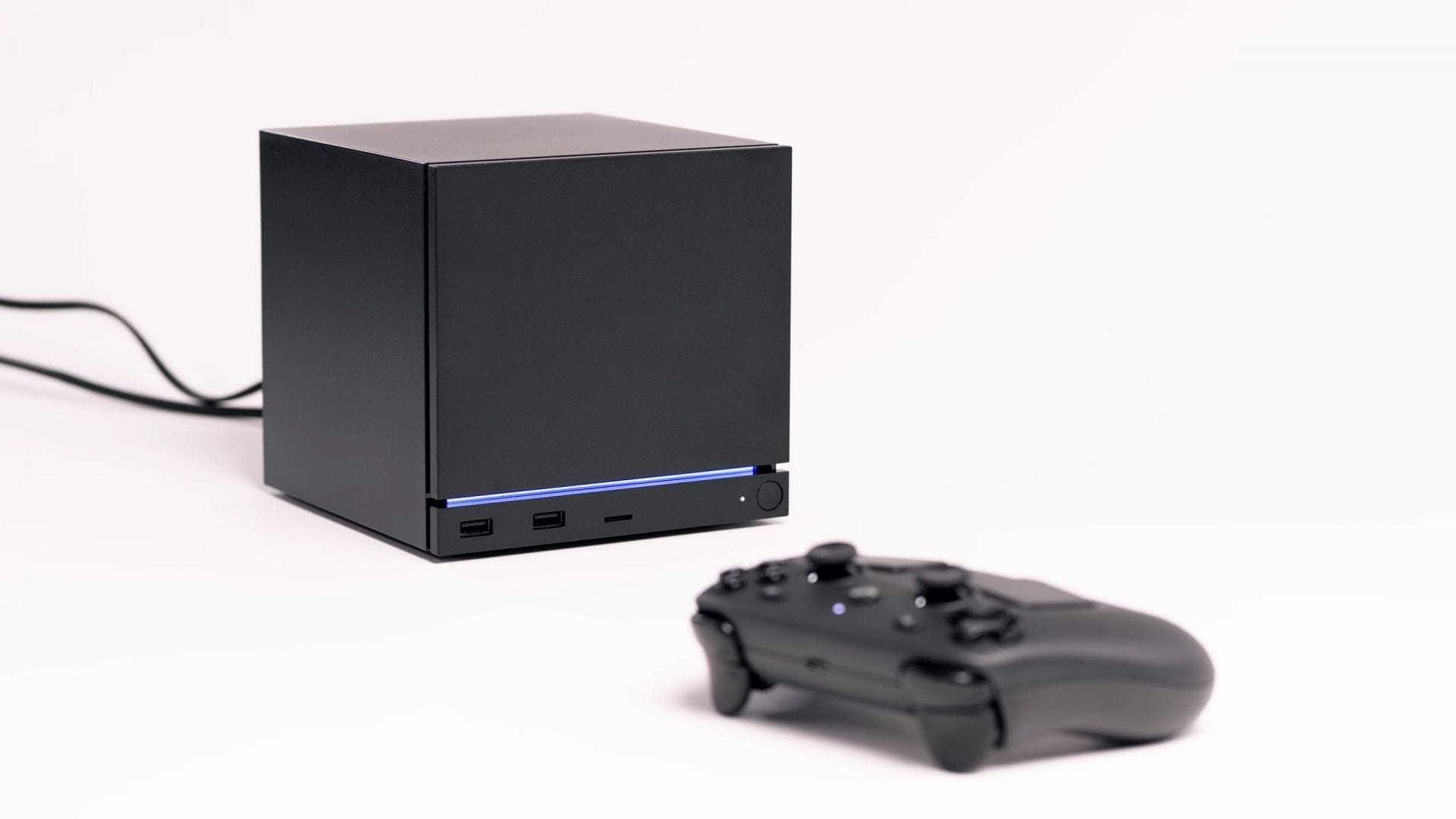
Steam Machines are a unique blend of traditional home entertainment consoles and high-performance PCs. Designed to run on SteamOS, these machines are equipped with custom AMD Ryzen CPUs and Radeon GPUs, making them powerful gaming devices. And now, thanks to Valve’s latest release, installing Windows 11 on your Steam Machine has never been easier.
Valve’s Essential Steam Machine Drivers for Windows 11
Valve has recently unveiled a set of essential drivers specifically tailored for Steam Machines looking to run Windows 11. This move follows a similar initiative by the company after the launch of the Steam Deck. The primary motivation behind this driver release is to enable Steam Machine users to enjoy popular multiplayer games like Apex Legends and Call of Duty: Warzone that require Windows 11.
Most multiplayer games rely on anti-cheat software that is incompatible with SteamOS, making Windows 11 a necessity for gamers. With the introduction of these Windows 11 drivers, Steam Machine owners can now seamlessly transition to Microsoft’s operating system without any hardware compatibility issues.
Installing Windows 11 on Your Steam Machine
If you’re eager to experience Windows 11 on your Steam Machine, you can download the necessary drivers directly from Valve. However, it’s important to note that dual-booting Windows 11 and SteamOS is currently not supported due to limitations in the SteamOS installer. Valve has assured users that a dual-booting wizard will be implemented in the future to streamline the process.
Valve has also provided step-by-step instructions for booting from Windows 11 installation media. Simply power down your Steam Machine, then press the power button and quickly tap the Esc key to access the boot menu. From there, select the Windows 11 media and proceed with the installation process effortlessly.
Conclusion
With Valve’s release of essential Steam Machine drivers for Windows 11, the gaming experience on these devices has been elevated to new heights. Whether you’re a fan of multiplayer games or simply looking to explore the capabilities of Windows 11 on your Steam Machine, this latest development opens up a world of possibilities for gamers. Stay tuned for future updates from Valve as they continue to enhance the gaming experience on Steam Machines.