Table of Contents

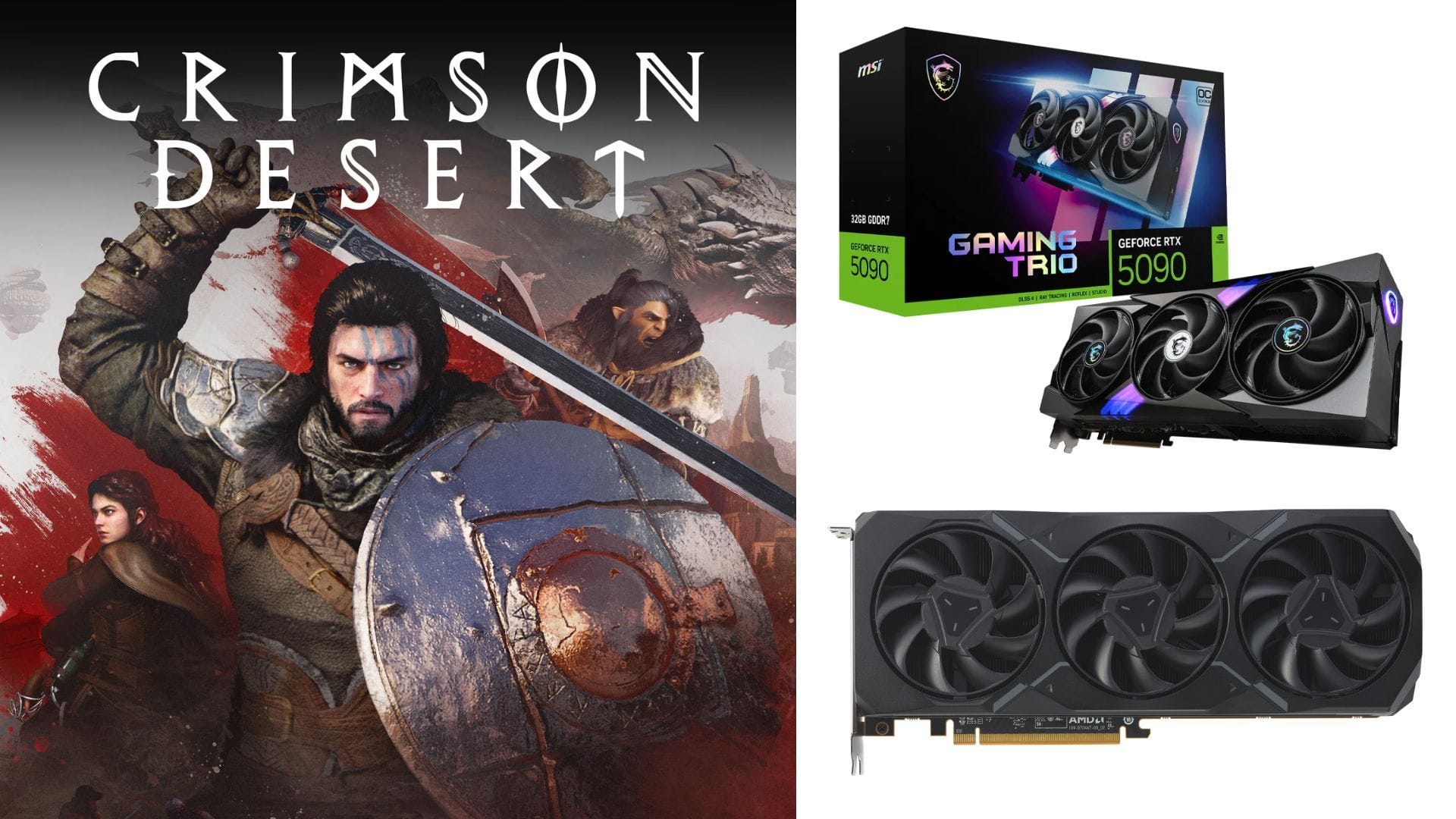
Crimson Desert made its debut on March 19, 2026, across various platforms such as Windows, PlayStation 5, and Xbox Series X/S. This game stands out as a visually stunning masterpiece, pushing the boundaries of modern hardware with its breathtaking landscapes, intricate character designs, and advanced lighting effects.
Players with high-end PCs can enjoy smooth gameplay at high frame rates, but it’s important to optimize your settings for the best performance at 4K resolution. In this comprehensive guide, we delve into maximizing your system’s capabilities without sacrificing the game’s cinematic quality.
Optimal Crimson Desert Settings for High-End GPUs
Designed to deliver a truly immersive 4K experience, Crimson Desert is a demanding title that thrives on visual enhancements like ray tracing. High-end GPUs such as the NVIDIA GeForce RTX 4080, 4090, as well as newer models like the RTX 5070, 5080, and RTX 5090 can handle 4K resolution effortlessly.
AMD GPUs like the Radeon RX 7900 XTX and RX 9000 series also excel in high-resolution gaming. By fine-tuning your settings, you can enjoy the game at higher graphics levels without any performance hiccups.
Here are the recommended settings for high-end GPUs:
Video Settings:
- Screen Mode: Fullscreen
- Display: Default
- Resolution: 3840 x 2160
- Upscale Method: NVIDIA DLSS 4.0 (or AMD FSR Upscaling 4.1 for AMD GPUs)
- Upscale Resolution: DLAA
- NVIDIA DLSS Frame Generation: On
- Number of Frames Generated: 2
- NVIDIA DLSS Ray Reconstruction: Off
- NVIDIA Reflex: On
- Contrast: 50
- HDR: Off (activate only with an HDR monitor)
- V-Sync: Off
- Brightness Adjustment: Personal preference
Graphics Settings:
- Preset: Cinematic (or Ultra for GPUs with less than 10GB VRAM)
- Model Quality: Cinematic
- Texture Quality: Cinematic
- Shadow Quality: Cinematic
- Raytracing: On
- Lighting Quality: Cinematic
- Reflection Quality: Cinematic
- Advanced Weather Effect: On
- Water Quality: Cinematic
- Foliage Quality: Cinematic
- Volumetric Fog Quality: Cinematic
- Effect Quality: Cinematic
- Simulation Quality: Cinematic
- Post-processing Effect Quality: Cinematic
To achieve the best visuals, we recommend setting the resolution to 4K, enabling Nvidia DLSS upscaling, and opting for Native or DLAA. Pair this with 2X Frame Generation for improved performance. This configuration delivers top-notch visual quality while maintaining excellent overall performance.
For optimal quality, we’ve chosen Cinematic graphics settings. However, this setting is advisable for users with GPUs boasting over 12GB VRAM. Users with 8GB VRAM on GPUs like the RTX 5060 should stick to Ultra graphics, combined with DLSS 4.0 set to Quality mode, for the best gaming experience.
Also read: Crimson Desert PC optimization guide: Best settings for visuals and performance
By implementing these settings, you can achieve a fine balance between visual excellence and performance in Crimson Desert, regardless of your high-end GPU model.
Explore more articles by Sportskeeda:
Edited by Adith Pramod