
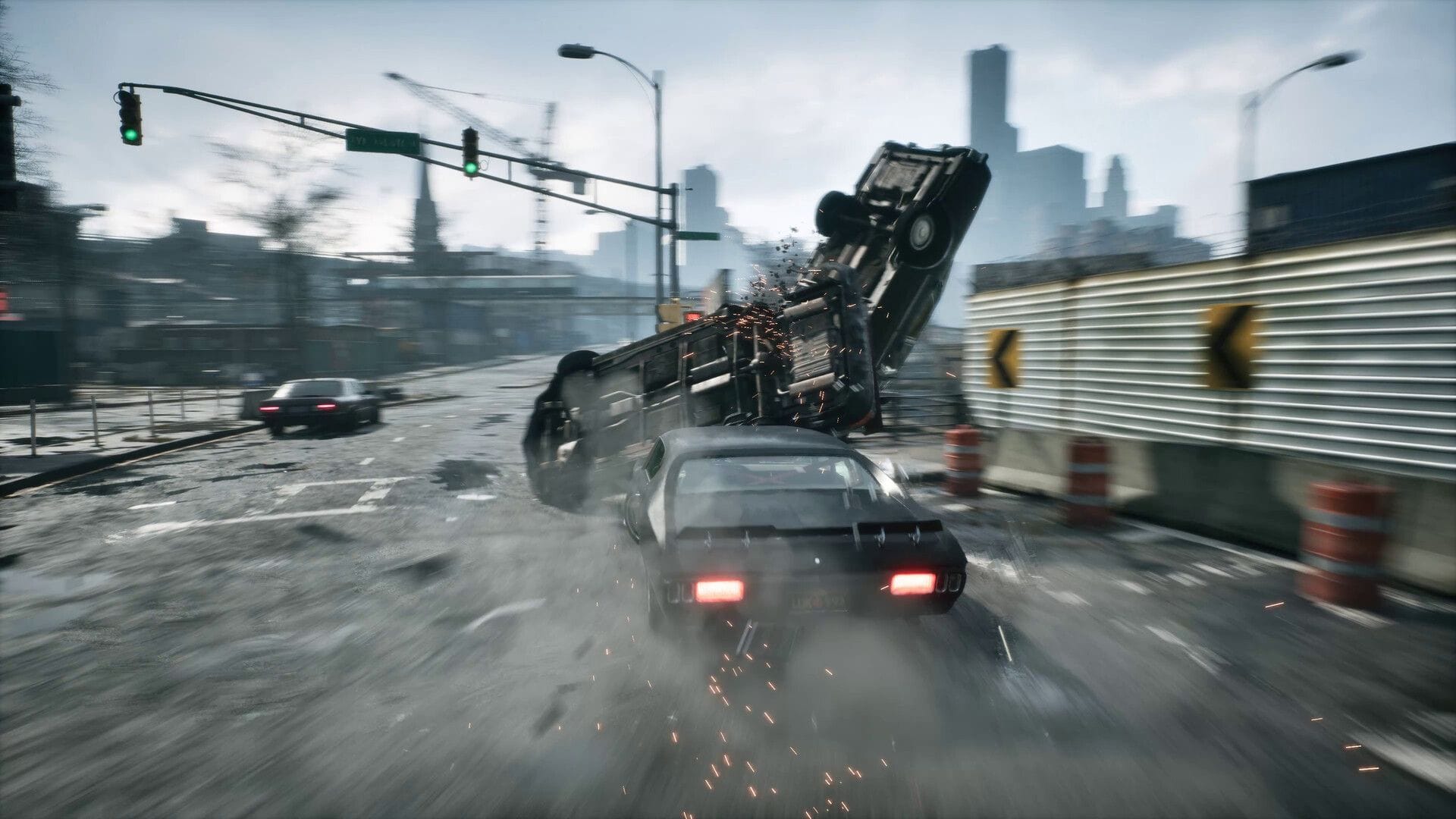
Samson emerges as a recently launched expansive open-world game constructed using the Unreal Engine 5. This game integrates Lumen and Nanite and leans heavily on CPU performance from the start. By default, the game, even with standard settings or quality presets, tends to strain your system’s performance, irrespective of meeting the developers’ official recommendations.
The following settings have been finely adjusted for any contemporary system with RT support and a minimum of 8GB of VRAM. It is advised to apply these settings at any resolution and tweak them according to your performance preferences. Enabling frame generation is recommended to alleviate the CPU-bound issue.
For GPUs that lack in-game frame generation support, using third-party solutions like Lossless Scaling is suggested.
Note: Some parts of this article are subjective and represent the writer’s perspective. This guide draws inspiration from Benchmark King’s YouTube Channel’s original optimization guide.
Optimal configurations for enjoying Samson on PC
The primary challenge in Samson arises from how the lighting system is implemented. If your GPU is compatible with RT (DXR), the game will automatically enforce hardware Lumen, causing a drop in CPU performance. The workaround, limited to Nvidia cards, involves using Nvidia Profile Inspector to disable RT support within the game. This adjustment tricks the game into using software Lumen, which places less strain on the CPU.
It is advisable to utilize upscaling only if you are bothered by shimmering and aliasing issues. Otherwise, aim to keep the game as GPU-dependent as possible. Upscaling lowers the internal resolution, potentially making the game CPU-bound. Additionally, on the Nvidia front, Ray Reconstruction doesn’t yield significant improvements and, at present, enabling it introduces more noise into the rendered image.
To enhance performance without compromising visuals, focus on these critical settings:
- Global Illumination: Balanced/Quality
- Shadows: Performance
- Textures: Balanced (Can be increased for GPUs with over 8GB VRAM)
- Effects: Performance
- Reflections: Balanced (Higher values may lead to shimmering and aliasing issues)
- View Distance: High/Ultra
- Hair Strands: Off (Reduces CPU workload)
Edited by Mainak Kumar Dey