Table of Contents
The Ultimate Guide to Optimizing Sand Raiders of Sophie on PC
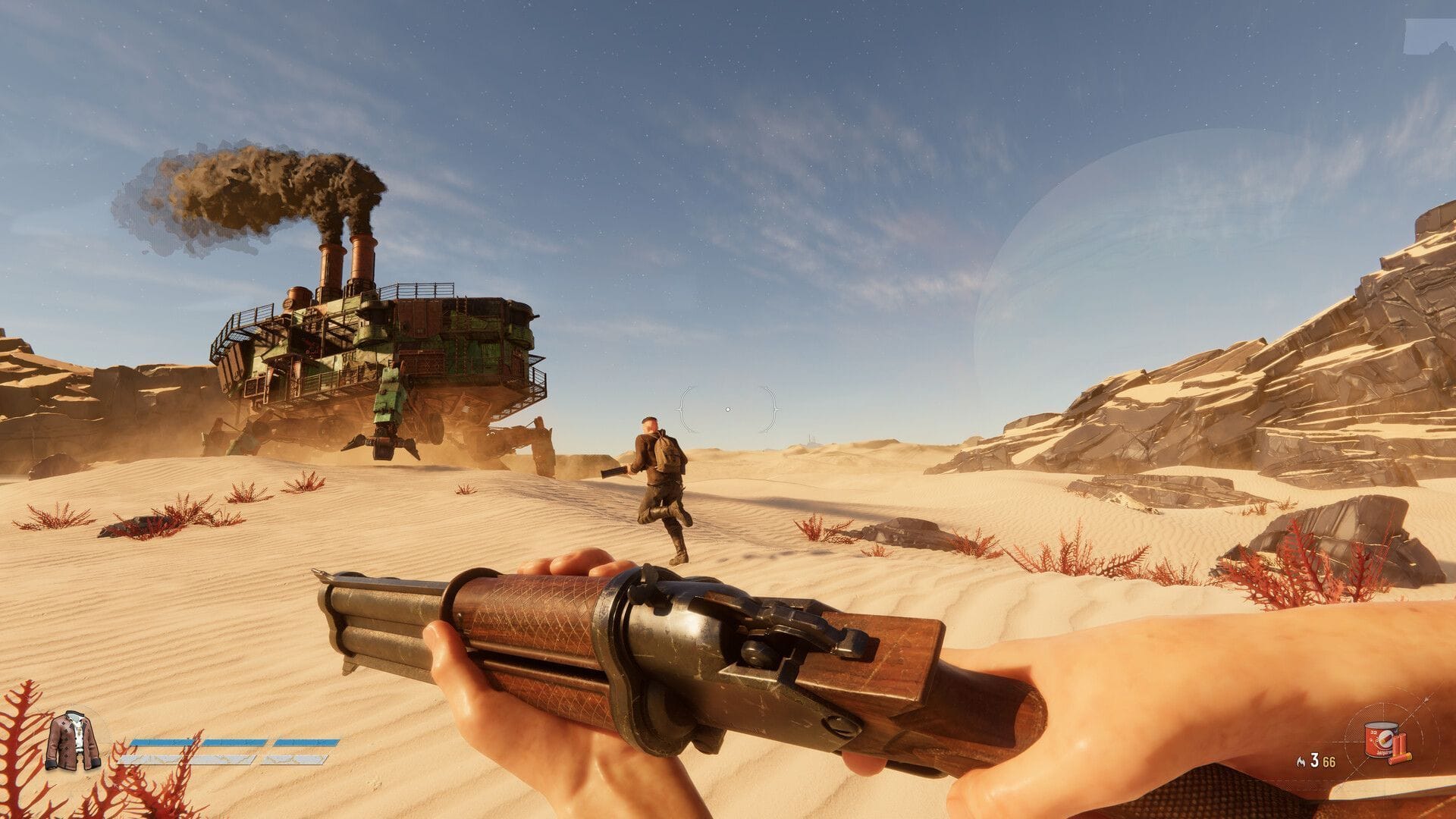
The world of Sand Raiders of Sophie has finally opened up on PC, offering players vast desert landscapes and immersive exploration. With cutting-edge graphics technology, the game boasts dynamic lighting and breathtaking visual effects that can strain even high-end hardware. However, this visual splendor can sometimes come at the cost of inconsistent frame rates and stuttering on certain systems.
Unveiling the System Requirements
Before diving into the best settings for Sand Raiders of Sophie, let’s take a look at the system requirements:
Minimum System Requirements
- CPU: Intel Core i5 (8th Gen) or AMD Ryzen 5 (2000 Series) equivalent
- Memory: 16GB RAM
- GPU: NVIDIA GeForce GTX 1650, AMD Radeon RX 570, or Intel Arc A380
- VRAM: 4GB or higher
- OS: Windows 10 64-bit
- DirectX Version: 11
- Storage: 11GB available space
- Network: Broadband Internet connection required
While no specific resolution or frame rate targets have been mentioned for the minimum requirements, aiming for 1080p with Low to Medium settings at 30 to 60 FPS seems reasonable.
Recommended System Requirements
- CPU: Intel Core i5 (13th Gen) or AMD Ryzen 5 (7000 Series) equivalent
- Memory: 32GB RAM
- GPU: NVIDIA GeForce RTX 3080 or AMD Radeon RX 6800 XT
- VRAM: 10GB (RTX 3080) or 16GB (RX 6800 XT)
- OS: Windows 11 64-bit
- DirectX Version: 11
- Storage: 11GB available space
- Network: Broadband Internet connection required
Similar to the minimum requirements, the recommended specifications do not specify a performance target, but they are designed to offer 1440p at High settings with a stable 60 FPS.
Optimal Settings for High-End PCs
If your system meets or exceeds the recommended requirements, you should be able to run Sand Raiders of Sophie smoothly at default settings. However, for the best balance between visual quality and performance, consider the following optimized configuration:
Display
- Display: Primary monitor
- Display Mode: Windowed Borderless
- Resolution: 2560 × 1440
- V-Sync: Off
- Frame Rate Limit: 300 / Unlimited
- Anti-Aliasing: Upscaler (DLSS)
- Render Resolution: Native
- Field of View: 110
Graphics Quality
- Geometry: High
- Texture: High
- Materials: High
- Parallax Occlusion Mapping: Off
- Shadow: High
- Shadow Refresh Freq.: High
- Contact Shadows: High
- Sky: High
- Volumetric Fog: High
- Screen Space Ambient Occlusion: High
- Screen Space Global Illumination: High
- Post Processing Quality: High
- Render Distance: 100
- Motion Blur: Off
- Bloom: On
- Grain: On
- Chromatic Aberration: On
- Vignette: On
- Color Filters: Default
These High settings provide top-notch image quality while ensuring frame rates stay above 120 FPS on systems with a Ryzen 7 5700X or better. If you encounter performance issues, consider switching the upscaler for a quick boost in performance.
Optimal Settings for Budget PCs
For budget PCs that meet the minimum requirements, the following settings prioritize stable frame rates over visual quality:
Display
- Display: Primary monitor
- Display Mode: Windowed Borderless
- Resolution: 1920 × 1080
- V-Sync: Off
- Frame Rate Limit: 60 FPS
- Anti-Aliasing: Upscaler (DLSS / FSR / XeSS)
- Render Resolution: Performance (0.50x) or Balanced (0.58x)
- Field of View: 90
Graphics Quality
- Geometry: Low
- Texture: Low
- Materials: Low
- Parallax Occlusion Mapping: Off
- Shadow: Off
- Shadow Refresh Frequency: Low
- Contact Shadows: Off
- Sky: Low
- Volumetric Fog: Low
- Screen Space Ambient Occlusion: Low
- Screen Space Global Illumination: Low
- Post Processing Quality: Low
- Render Distance: 60
- Motion Blur: Off
- Bloom: Off
- Grain: Off
- Chromatic Aberration: Off
- Vignette: Off
- Color Filters: Default
These settings are tailored to deliver optimal performance on PCs close to the minimum requirements, such as those with a GTX 1650 or RX 570.
While these configurations aim to minimize stuttering during gameplay, keep in mind that improvements and optimizations are expected as Sand Raiders of Sophie continues its journey through Early Access.
Also read: Should you install SteamOS on your desktop PC?
Edited by Mudassir Kamran