Table of Contents
The Ultimate Guide to Optimizing Directive 8020 on PC for Peak Performance
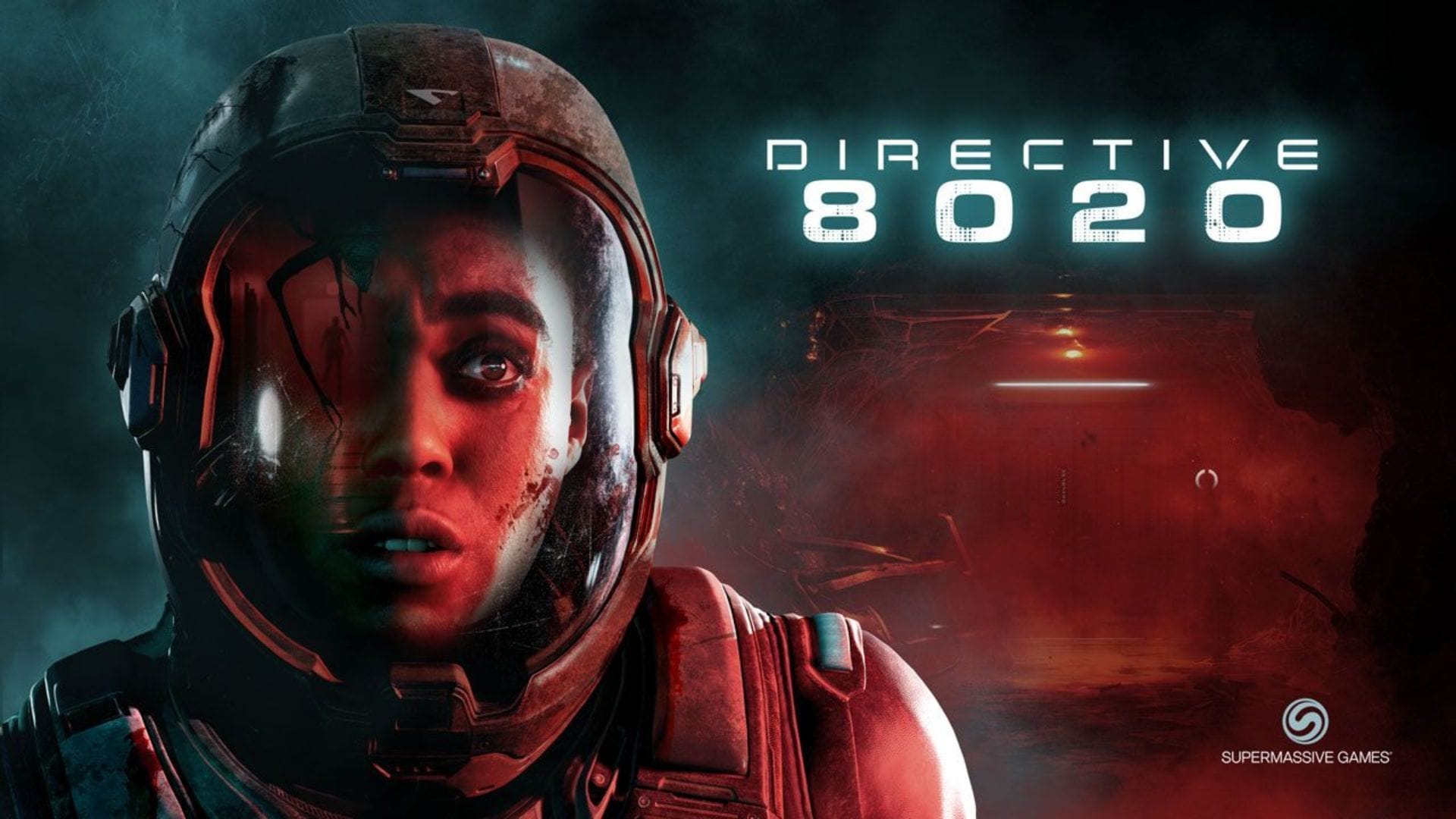
Directive 8020, a cinematic horror game released on May 12, 2026, has taken the gaming world by storm with its high-fidelity graphics and intense gameplay. Developed using Unreal Engine 5, this game promises next-generation visuals that immerse players in a world of terror and suspense. However, achieving optimal performance on PC can be a challenge due to the demanding nature of UE5 and the game’s system requirements.
Optimizing Graphics Settings for a Seamless Gaming Experience
For players looking to enhance their gaming experience and ensure smooth performance during exploration and action sequences, tweaking the graphics settings is essential. By finding the right balance between visual quality and performance, you can enjoy Directive 8020 to its fullest potential.
Here are some recommended settings to optimize the game on PC:
For low-end systems, sticking to 1080p resolution with Low graphics settings can provide a balance between performance and visual quality, ensuring a smooth gameplay experience. Mid-range systems can explore 1440p resolution for improved visuals, while high-end systems can enjoy the game at 4K resolution with High graphics settings and upscaling technologies like DLSS or FSR.
For the best performance and visual quality, consider using Nvidia DLSS upscaling set to DLAA, paired with Frame Generation, on powerful systems.
Meeting the System Requirements for Directive 8020
Directive 8020’s impressive graphics and immersive environments require a capable PC to run smoothly. Here are the minimum and recommended system requirements for the game:
Minimum system requirements:
- OS: Windows 10/11 64-bit
- CPU: Intel Core i5-8500 / AMD Ryzen 5 3500
- RAM: 16 GB
- GPU: NVIDIA GeForce RTX 2060 / AMD Radeon RX 5700
- Storage: 40 GB available space (SSD recommended)
Recommended system requirements:
- OS: Windows 10/11 64-bit
- CPU: Intel Core i5-12400F / AMD Ryzen 5 5600X
- RAM: 16 GB
- GPU: NVIDIA GeForce RTX 3070 Ti / AMD Radeon RX 6800
- Storage: 40 GB available space (SSD recommended)
By ensuring your PC meets these requirements, you can enjoy Directive 8020 with optimal performance and visual fidelity.
Conclusion
Optimizing Directive 8020 on PC for peak performance involves finding the right balance between visual quality and performance. By following the recommended settings and ensuring your system meets the requirements, you can immerse yourself in the terrifying world of Directive 8020 without any technical limitations. Get ready to experience cinematic horror like never before!