Table of Contents
The Ultimate Guide to Fixing Call of Duty Modern Warfare 4 Beta Crashes on PC
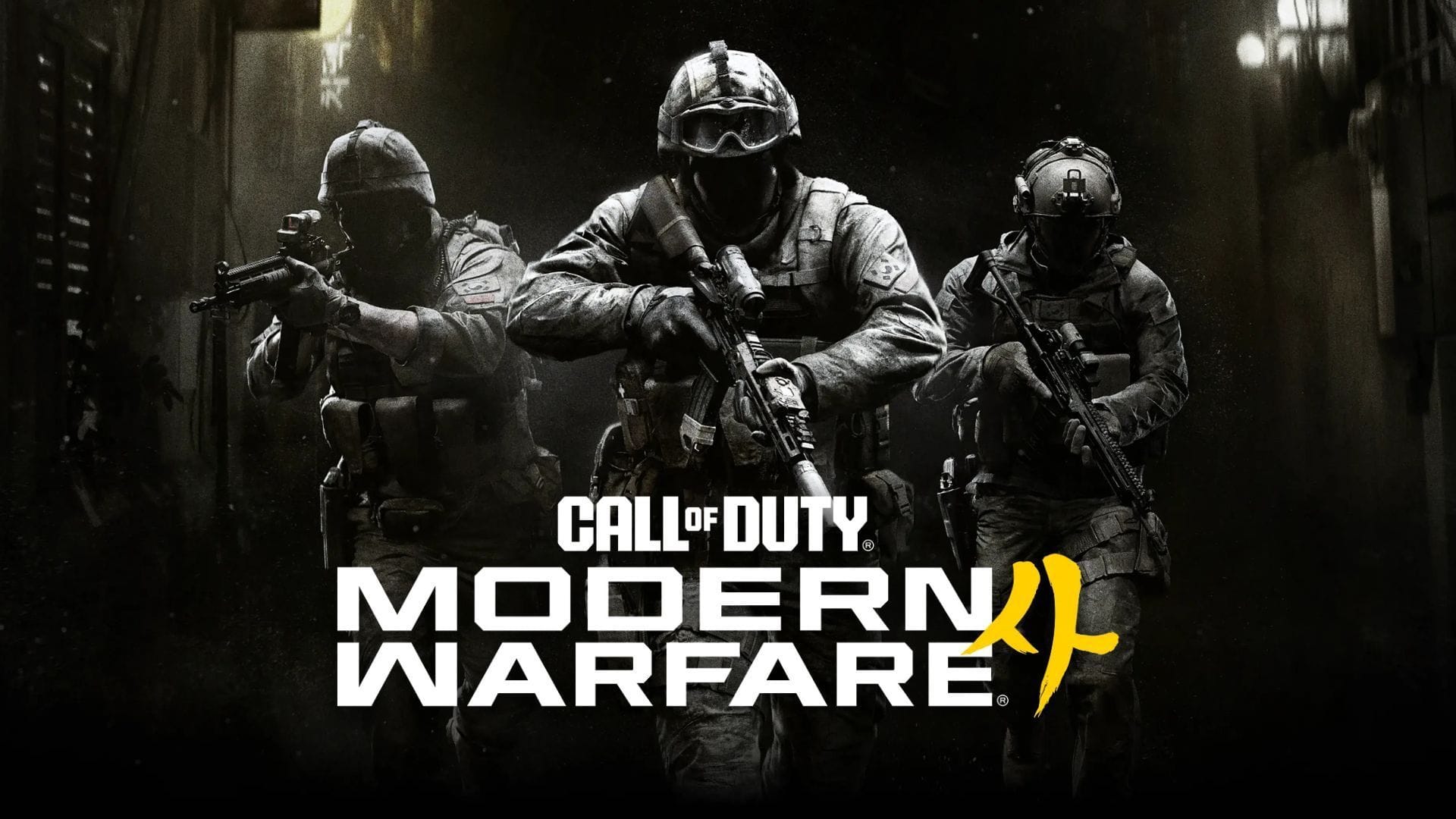
Call of Duty Modern Warfare 4 has unleashed its beta phase, allowing PC gamers to get a taste of the latest installment in the beloved shooter franchise. However, like many beta releases, some players may find themselves grappling with crashes, freezes, or unexpected shutdowns while diving into the game.
Understanding the Causes of Crashes
When the Call of Duty Modern Warfare 4 beta keeps crashing on your PC, the culprits could range from outdated graphics drivers to problematic game installations. Here are some potential solutions to help you tackle these issues head-on and enhance your gaming experience.
Possible Solutions for Call of Duty Modern Warfare 4 Beta Crashes on PC
Here are some effective fixes to address the Call of Duty Modern Warfare 4 Beta crashing on PC error:
- Verify the integrity of game files
- Update your graphics card drivers
- Allow shader preloading to finish
- Check TPM 2.0 and Secure Boot
- Lower demanding graphics settings
- Close unnecessary background applications and overlays
- Uninstall and reinstall the game
1) Verify the Integrity of Game Files
Corrupted or incomplete game files can trigger crashes. Use Steam’s verification tool or Battle.net’s Scan and Repair option to rectify these issues before considering a complete reinstall.
2) Update Your Graphics Card Drivers
Outdated GPU drivers can lead to compatibility issues. Check for and install the latest recommended driver versions for Modern Warfare 4 to ensure smooth gameplay.
3) Allow Shader Preloading to Finish
Let the shader preloading process complete before diving into the game to optimize performance and reduce stuttering.
4) Check TPM 2.0 and Secure Boot
Ensure that TPM 2.0 and Secure Boot are enabled on your PC to meet the game’s security requirements and avoid launch issues.
5) Lower Demanding Graphics Settings
Adjust graphics settings to reduce the load on your system, especially if your PC is near the minimum requirements.
6) Close Unnecessary Background Applications and Overlays
Shut down background applications that may interfere with the game’s performance, including third-party software like overlays and recording applications.
7) Uninstall and Reinstall the Game
If all else fails, a fresh installation may resolve persistent crashes caused by unresolved issues.
Conclusion
While experiencing crashes during the Call of Duty Modern Warfare 4 beta can be frustrating, implementing these fixes can help enhance your gameplay experience. Remember to keep your drivers updated, verify game files, and optimize your system settings for seamless gaming sessions.