Table of Contents
Welcome to the Fields of Mistria: Uncover the Secrets of the 1.0 Update!
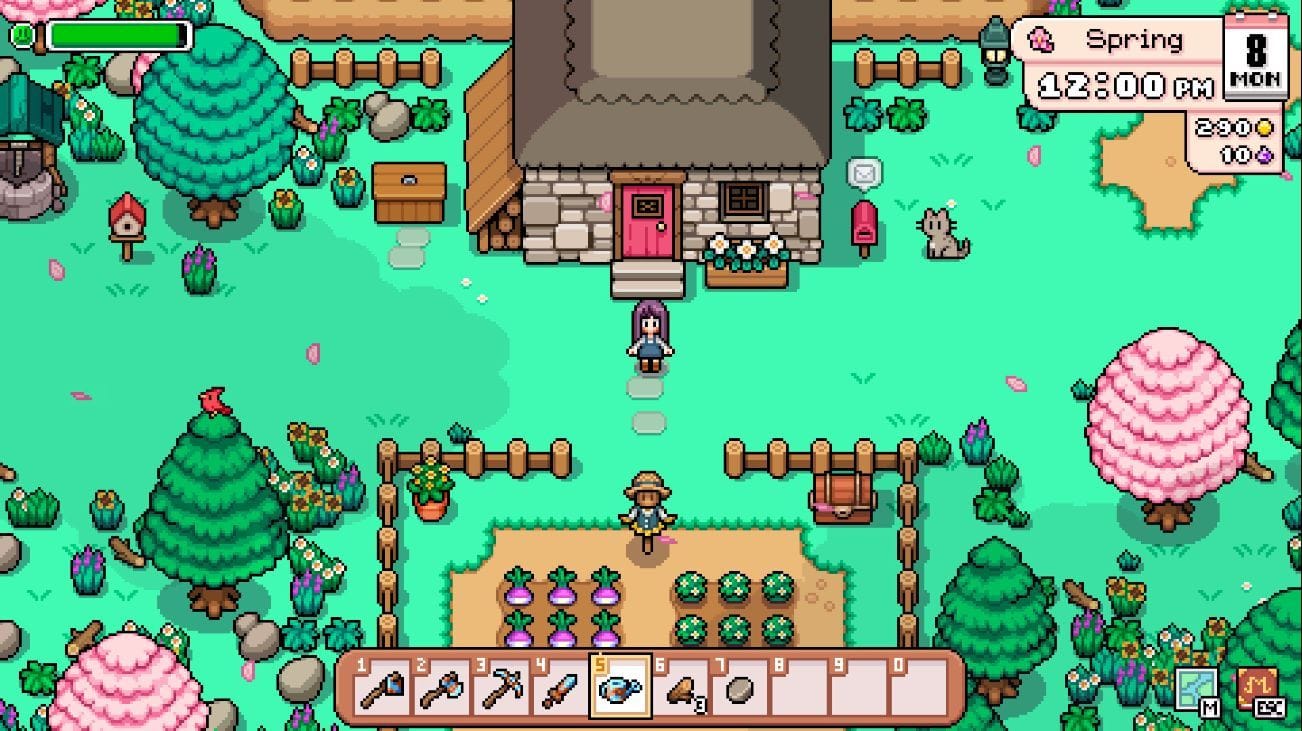
Fields of Mistria has recently undergone a major transformation with its highly anticipated 1.0 update, introducing a plethora of new content and enticing players back to its charming farming simulation world. However, not all players have been able to seamlessly enjoy this latest version. Many have been plagued by the frustrating “Has encountered an unrecoverable error” message, hindering their gameplay experience. Despite the widespread occurrence of this issue, the exact cause remains shrouded in mystery, as the developers have yet to acknowledge the problem or provide a dedicated solution.
Unlocking Solutions: Resolving the “Has encountered an unrecoverable error” in Fields of Mistria
For those grappling with the “unrecoverable error” in Fields of Mistria, fear not! Here are some unofficial yet effective fixes that may help you overcome this persistent issue and dive back into the game world:
1. Load a save file
If you find yourself facing the dreaded error message, consider loading an existing save file as a potential remedy. While this method may pick up your gameplay from the latest save point, it could be the key to resolving the issue. Follow these steps:
- Launch Fields of Mistria.
- Opt for “Load Game” instead of the usual startup process.
- Select your most recent save file.
- Wait for the game to load and check if the error persists.
2. Verify the integrity of game files
Corrupted or missing game files can often trigger the unrecoverable error in Fields of Mistria. Luckily, Steam offers a simple solution to scan and replace damaged files. Here’s how:
- Open Steam and navigate to your Library.
- Right-click on Fields of Mistria and select Properties.
- Go to the Installed Files tab and click on Verify integrity of game files.
- Allow Steam to complete the scan and download any missing or corrupted files.
- Restart the game once the verification process is done.
3. Delete old and unused save slots
Excessive save slots can sometimes lead to loading issues in Fields of Mistria. Simply head to the Load Game menu and remove any unnecessary slots to streamline your gameplay experience.
4. Delete the Settings files
If all else fails, consider deleting the game’s Settings files, a method that has proven effective for many players in resolving the unrecoverable error. Follow these steps:
- Press Windows + R to open the Run command, type %localappdata%, and hit Enter.
- Navigate to the Fields of Mistria folder.
- Locate and delete the two Settings files (do not delete the Save Data folder or any save files).
By following these potential fixes, you may successfully eliminate the unrecoverable error in Fields of Mistria and resume your immersive gaming experience. Remember, these solutions are unofficial and may vary in effectiveness for different players.
Conclusion: Unraveling the Mysteries of Fields of Mistria
As the enchanting world of Fields of Mistria beckons you with its 1.0 update, navigating through technical hurdles like the “Has encountered an unrecoverable error” can be a daunting task. However, armed with these insightful fixes and a dash of perseverance, you can conquer any obstacle and rediscover the joy of farming simulation in a vibrant and engaging setting.