Table of Contents
The Ultimate Guide to Optimizing Lego Batman Legacy of the Dark Knight for ROG XBOX Ally X
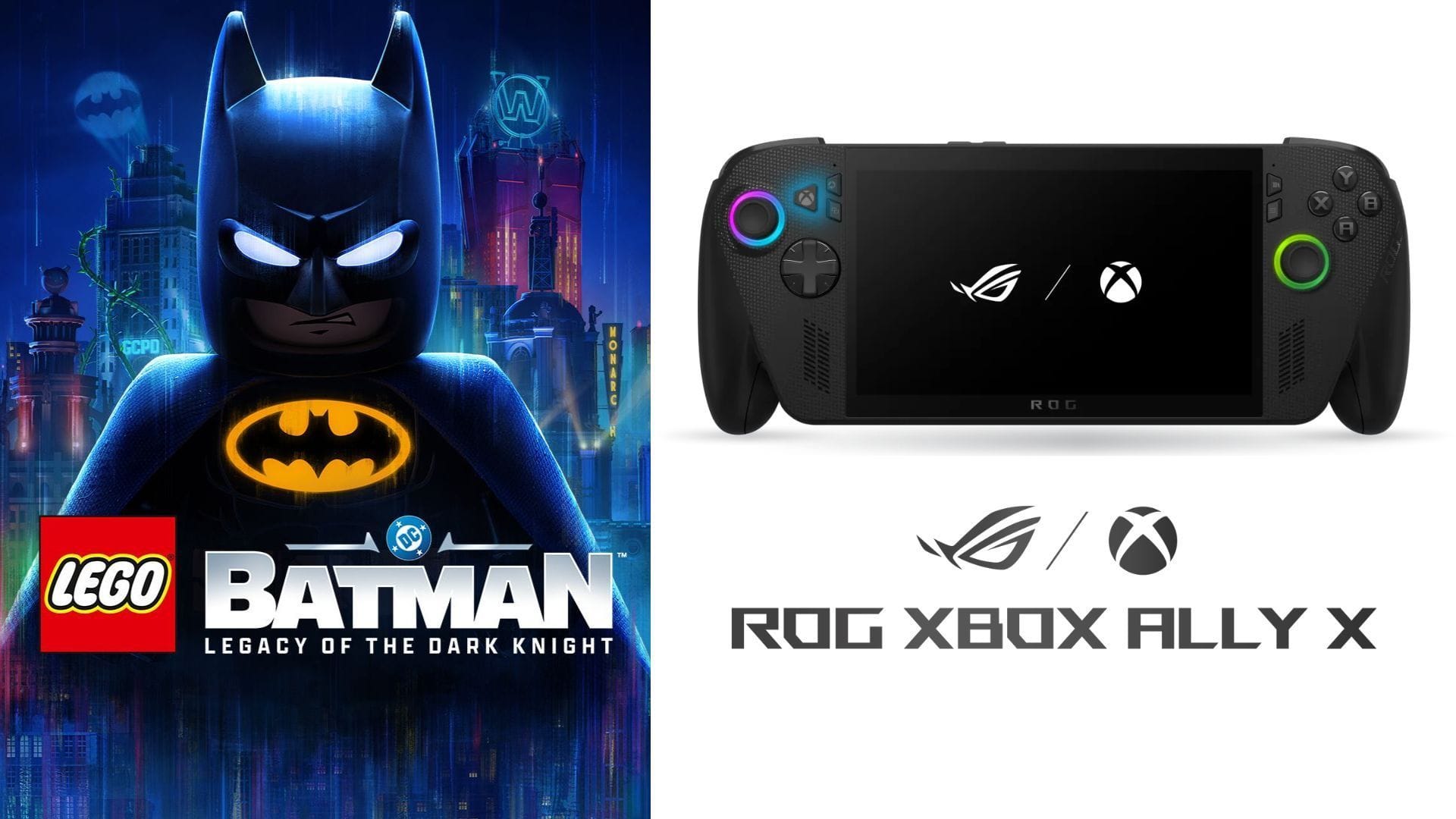
Are you ready to dive into the action-packed world of Lego Batman Legacy of the Dark Knight on your handheld gaming device, the ROG XBOX Ally X? With its vibrant LEGO visuals and fast-paced gameplay, this game is a perfect match for the portable gaming experience. However, to ensure smooth performance and optimal visuals, it’s crucial to tweak the settings just right.
Exploring Gotham City in Style
The latest installment of Lego Batman Legacy of the Dark Knight brings expansive Gotham City environments, stunning reflections, and epic action sequences to the palm of your hands. While these visual effects can push the limits of handheld hardware, fear not – the ROG XBOX Ally X is up to the task.
Recommended Settings for the Ultimate Gaming Experience
Here are the best settings to enhance your gameplay on the ROG XBOX Ally X:
Display
- Window Mode: Fullscreen
- VSync: Off
- Frame Rate Limit: Unlimited
- Resolution: 1600 x 900
- HUD Visibility: Dynamic
Graphics
- Display Calibration: Default
- Anti-Aliasing: TSR (greyed out)
- Anti-Aliasing Base Resolution: 100% (greyed out)
- Upscaling: AMD FSR
- Upscaling Quality: Balanced
- Frame Generation: Off
Graphics Quality
- Quality Presets: Custom
- Lighting Quality: Low
- Shadows: Medium
- View Distance: Near
- Streaming Distance: Near
- Textures: High
- Anisotropic Filtering: 8
- Material Quality: Low
- Distance Field Ambient Occlusion: Off
- LEGO Mesh Quality: Low
- Effects: Low
- Reflections: Medium
- Post Processing: Off
- Population Quality: Low
Camera
- Gameplay Field of View: 75
- Dynamic Field of View: 100%
- Camera Shake: 100%
- Third-Person Camera Reset Speed: Fast
Fullscreen Effects
- Fullscreen Effects Enabled: On
- Motion Blur: Off
- Vignettes: Off
- Weather Effects: On
- Repeating Visual Effects: On
- Bloom: Off
- Screen Space Ambient Occlusion: Off
To strike the perfect balance between visual quality and performance, stick to the 900p resolution with a mix of Low and Medium graphics settings. Utilizing AMD FSR upscaling can help maintain a steady frame rate of 70-90 FPS, with occasional drops in more demanding areas.
For those who prioritize performance over visuals, consider enabling Frame Generation for a significant FPS boost. With the right settings, you can achieve up to 120 FPS during gameplay, ensuring a smooth and immersive experience.
Conclusion
With these optimized settings, you can elevate your Lego Batman Legacy of the Dark Knight gaming experience on the ROG XBOX Ally X to new heights. Whether you prefer stunning visuals or buttery-smooth performance, there’s a configuration tailored to your gaming style. Dive into the action-packed world of Gotham City and unleash your inner Dark Knight!