Table of Contents

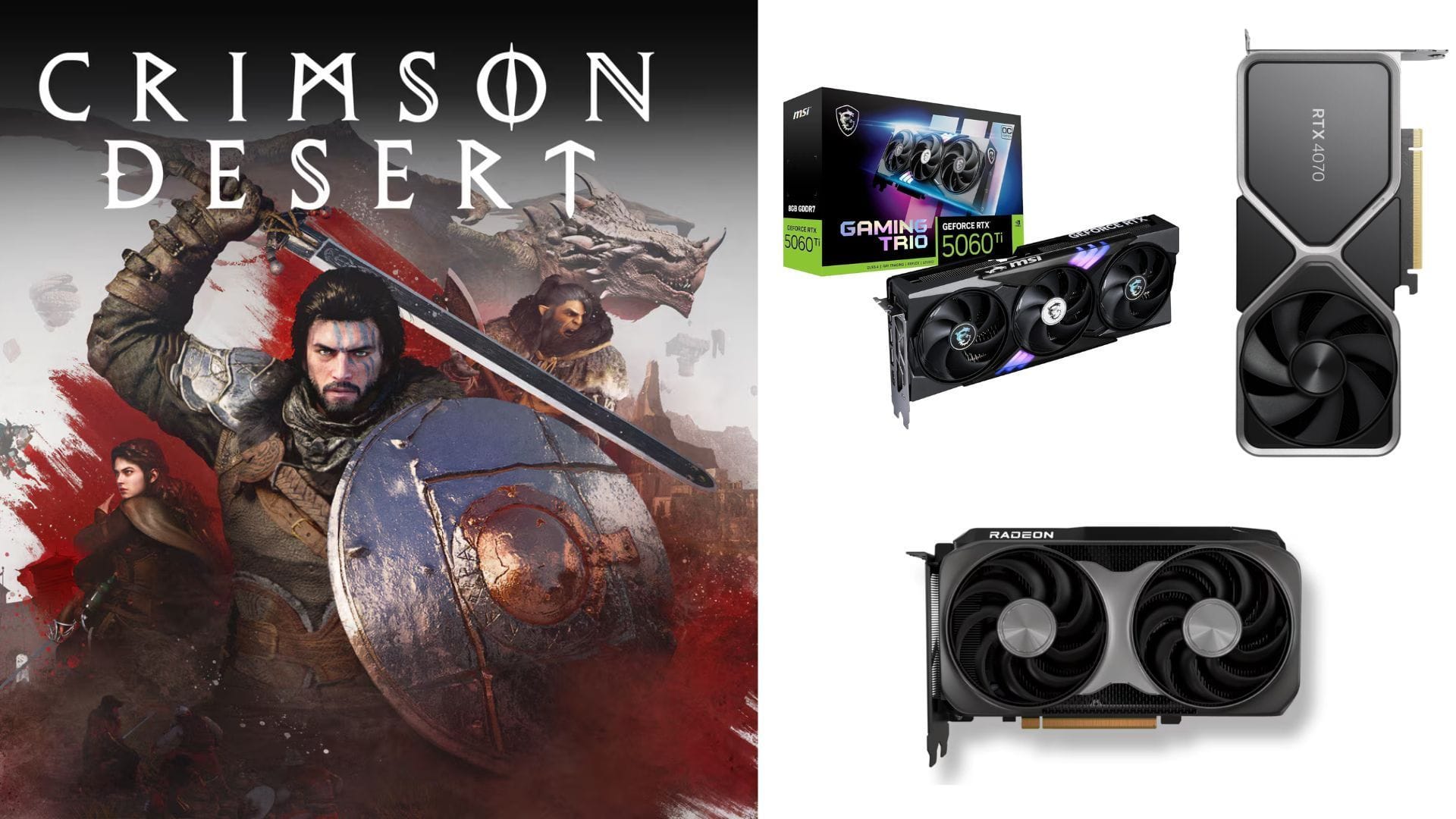
Experience the stunning visuals of Crimson Desert on mid-range GPU PCs at 1440p (2k) with the right settings. The 1440p resolution is considered the mid-range preset, striking a balance between performance, frame rate, and visual quality. GPUs like the 4070 or 7800XT (or higher) are typically recommended for this level, making it a solid choice for gaming.
This guide will provide you with the optimal settings for mid-range PCs to achieve the best performance at 1440p.
Don’t miss – Optimizing Crimson Desert on PC: Enhancing visuals and performance
Top Settings for Crimson Desert on mid-range GPUs (1440p)
Mid-range PCs and GPUs can effortlessly handle Crimson Desert at high settings for a 2k or 1440p resolution. Even with upscaling, the game typically utilizes around 5 GB of VRAM, which is a promising optimization benchmark. Specifically, Nvidia GPUs like the RTX 3080, 4070, 4070 Super (or Ti), and even the 5060 Ti can deliver smooth 100fps at 1440p without difficulty.
While FSR Upscaling may not match DLSS performance on Crimson Desert, AMD cards like the 7800 XR or 9060 XT can still provide solid frame rates.
Here are the recommended settings for mid-range GPUs on Crimson Desert:
Video settings
- Screen Mode: Fullscreen
- Display: Default monitor
- Resolution: 2560 x 1440
- Upscale Method: Nvidia DLSS 4.5 (for 40 and 50 series cards) / AMD FSR 4.1 (for AMD cards)
- Upscale Resolution: Quality
- Frame Generation: Off
- Nvidia Reflex: On
- HDR: Off (activate for HDR-compatible monitors)
- V-Sync: Off
Graphics settings
- Preset: Custom
- Model Quality: High
- Texture Quality: High / Ultra
- Shadow Quality: High / Ultra
- Ray Tracing: On
- Lighting Quality: Cinematic
- Reflection Quality: High
- Advanced Weather Effect: On
- Water Quality: Ultra
- Foliage Density: Ultra
- Volumetric Fog Quality: High
- Effect Quality: Ultra
- Simulation Quality: High
- Post-processing Effect Quality: High
Unfortunately, native upscaling in Crimson Desert may result in jagged edges, especially at 1440p resolutions. Upscaling is recommended for both Nvidia and AMD GPUs. A blend of Ultra and High presets can offer exceptional visual quality while maintaining optimal frame rates.
By following these settings, your mid-range GPU and PC configuration should handle Crimson Desert seamlessly, delivering a breathtaking gaming experience.
Explore more Crimson Desert tech articles:
Edited by Anindit Sinha