Table of Contents
The Ultimate Guide to Optimizing Aniimo for PC Gaming
Are you ready to take your Aniimo gaming experience to the next level? Whether you’re a seasoned player or just starting out, optimizing your game settings can make a world of difference. In this comprehensive guide, we’ll walk you through the best settings to maximize performance and enhance visuals on your PC.
Unleash the Full Potential of Aniimo
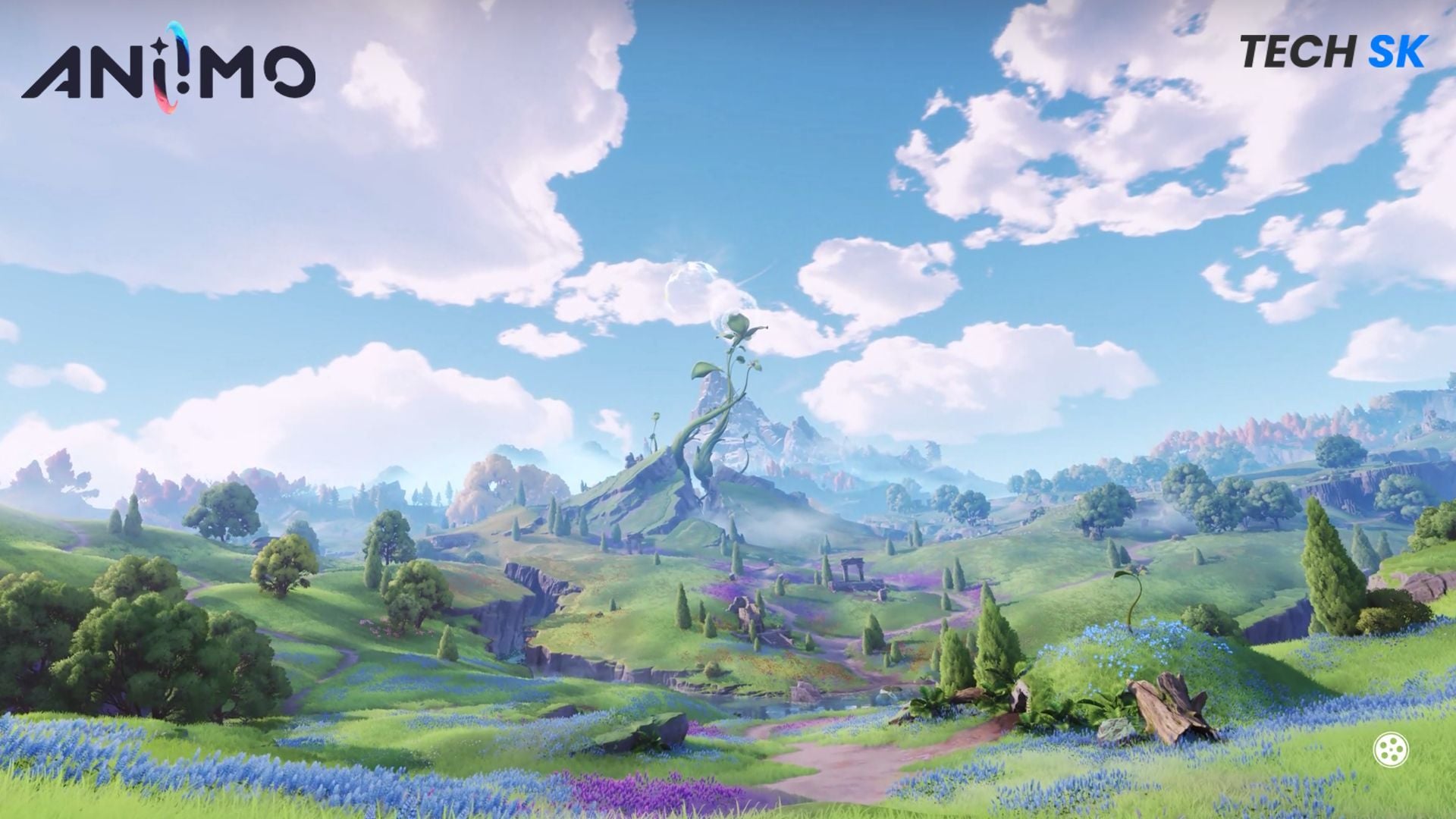
Aniimo is powered by Unreal Engine 5, a cutting-edge platform that delivers stunning graphics and immersive gameplay. However, even the most powerful PCs can encounter performance issues if not configured correctly. By fine-tuning your settings, you can enjoy a seamless gaming experience without compromising on visual quality.
System Requirements for Aniimo on PC
Before diving into the optimization process, let’s review the system requirements for Aniimo on PC:
Minimum System Requirements:
- OS: Windows 10 (64-bit)
- Processor: Intel Core i7-4770 / AMD Ryzen 7 2700 or better
- Memory: 8 GB RAM
- Graphics: NVIDIA GeForce GTX 970 / AMD Radeon RX 6600 or better
- DirectX: Version 11/12
- Storage: 40 GB available space
Recommended System Requirements:
- OS: Windows 10 or above (64-bit)
- Processor: Intel Core i7-10700 / AMD Ryzen 5 5600 or better
- Memory: 16 GB RAM
- Graphics: NVIDIA GeForce RTX 3060 / AMD Radeon RX 6800 or better
- DirectX: Version 11/12
- Storage: 40 GB available space
With these requirements in mind, you can ensure that your PC is ready to handle the demands of Aniimo.
Optimized Settings for Peak Performance
Now, let’s explore the best settings for Aniimo that will elevate your gaming experience:
By implementing these settings, you can achieve optimal performance in Aniimo while preserving visual fidelity. For low-tier PC setups, these configurations will deliver smooth gameplay. If you find that your FPS is capped at 60, adjusting the frame limiter to 120 can provide a noticeable improvement.
Furthermore, don’t hesitate to experiment with additional settings such as the number of Aniimo or Pathfinders displayed. While these adjustments may increase strain on your PC, they can enrich the game world and enhance your overall experience.
Conclusion: Elevate Your Aniimo Experience
With the right settings, you can unlock the full potential of Aniimo on PC. By following this guide and customizing your configurations, you’ll enjoy a seamless and visually stunning gaming experience. Whether you’re exploring new worlds or engaging in intense battles, optimized settings can make all the difference. Level up your gameplay today!
Edited by Anindit Sinha