Table of Contents
Unlocking the Best Controller Settings for Aniimo: A Comprehensive Guide
Embark on a thrilling adventure filled with exploration, combat, and creature-centric gameplay in Aniimo. To truly immerse yourself in this captivating world, having the perfect controller setup is essential. While the default settings may suffice for some players, customizing a few key configurations can elevate your gaming experience to new heights.
Understanding Your Playstyle
Choosing the optimal controller settings depends greatly on your individual playstyle and how you want the controls to respond in various scenarios. In this guide, we’ll delve into the top controller settings for Aniimo, designed to enhance the fluidity and comfort of your gameplay.
The Best Controller Settings for Aniimo
Aniimo seamlessly blends exploration, creature collection, and combat, requiring players to navigate vast open landscapes and engage in thrilling battles. With a controller in hand, traversing the environment and seamlessly transitioning between movement and combat actions feels intuitive and engaging.
While the default controls may work for some, fine-tuning sensitivity, button layouts, and other controller options can significantly enhance overall comfort and responsiveness. The following settings serve as an optimal starting point, allowing for further customization based on your preferences and choice of controller.
Key Settings for Controller Gameplay:
- Vibration Strength: 2
- Virtual Cursor Speed: 3
- Invert Horizon Camera Controls: Off
- Invert Vertical Camera Controls: Off
- Left Stick Dead Zone: 20
- Right Stick Dead Zone: 20
Controller Mapping:
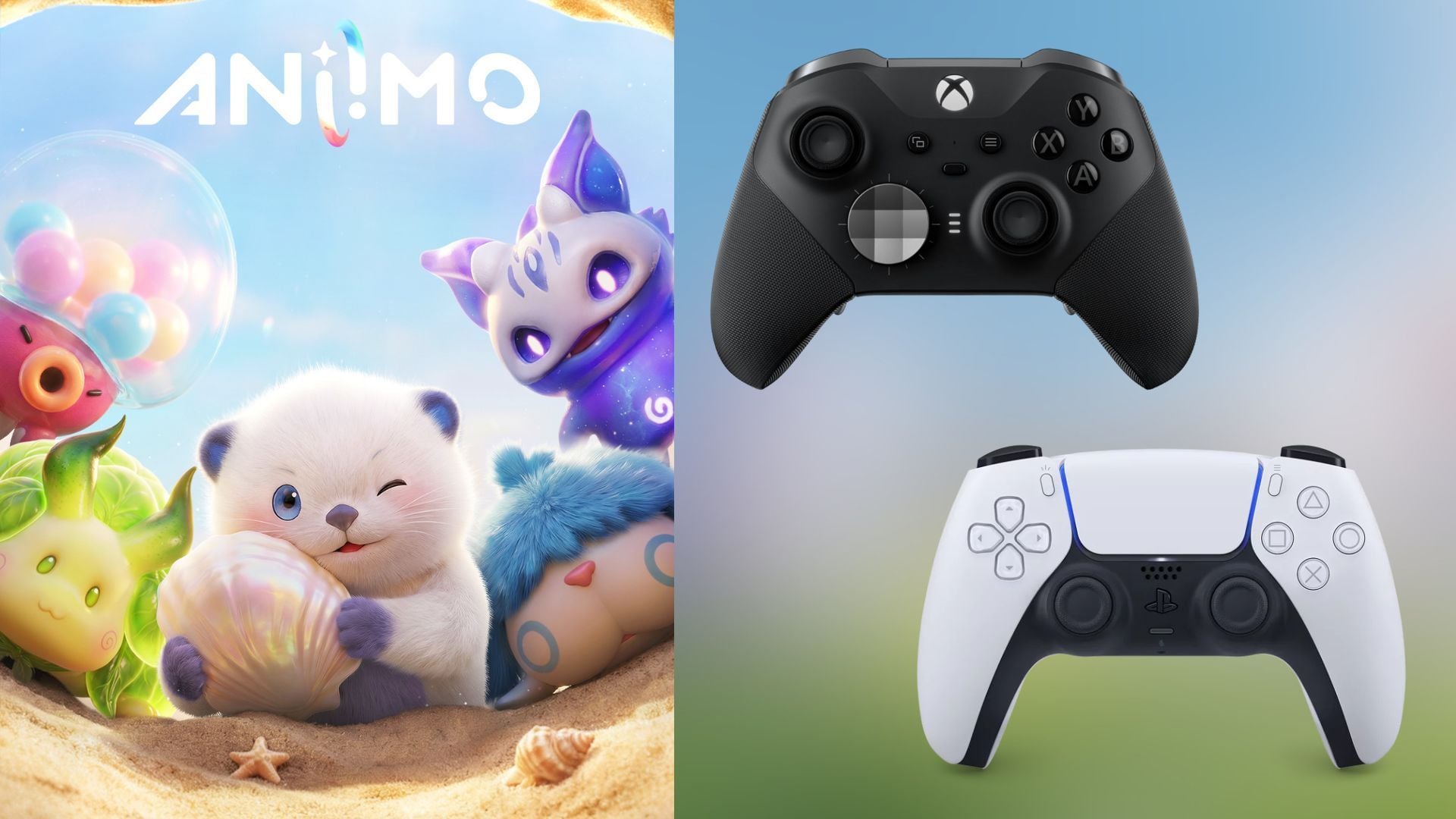
- Left Button (LB): Skill 1
- Right Button (RB): Skill 2
- Left Trigger (LT): Catch Mode
- Right Trigger (RT): Twine
These settings are designed to optimize control responsiveness and accessibility during both exploration and combat sequences. Adjusting the vibration strength to 2 provides tactile feedback without being overly distracting, while setting dead zones at 20 ensures precise movement without accidental inputs.
Enhancing Combat Efficiency:
- Y + B: Chain Ultimate
- X + A: Mobility
Assigning combat actions to specific button combinations streamlines gameplay, making it easier to execute powerful moves and maneuvers seamlessly. By incorporating these configurations, combat becomes more fluid and engaging, enhancing the overall gaming experience.
Experiment and Refine
While the recommended controller settings serve as an ideal foundation, individual preferences and gameplay styles vary. Experiment with these configurations and make minor adjustments based on your personal experience during gameplay. The key is to find a setup that feels natural and responsive to your unique style of play.
Unleash the full potential of Aniimo by customizing your controller settings to suit your gaming preferences. Dive into this captivating world armed with the perfect setup, and elevate your exploration and combat experiences to new heights.
Also read: New mods bring massive DLSS Frame Generation boosts to unsupported RTX 20 and 30 series GPUs
Edited by Adith Pramod