Table of Contents
The Ultimate Guide to Optimizing Gothic 1 Remake for Stunning Visuals and High Performance
Are you ready to delve into the captivating world of Gothic 1 Remake but worried about how your mid-range gaming PC will handle the graphical demands of this beloved RPG classic? Fear not, as we have compiled the best 1440p settings to ensure you experience both breathtaking visuals and smooth gameplay.
Enhancing the Visuals: Best Gothic 1 Remake Settings for Mid-Range PC
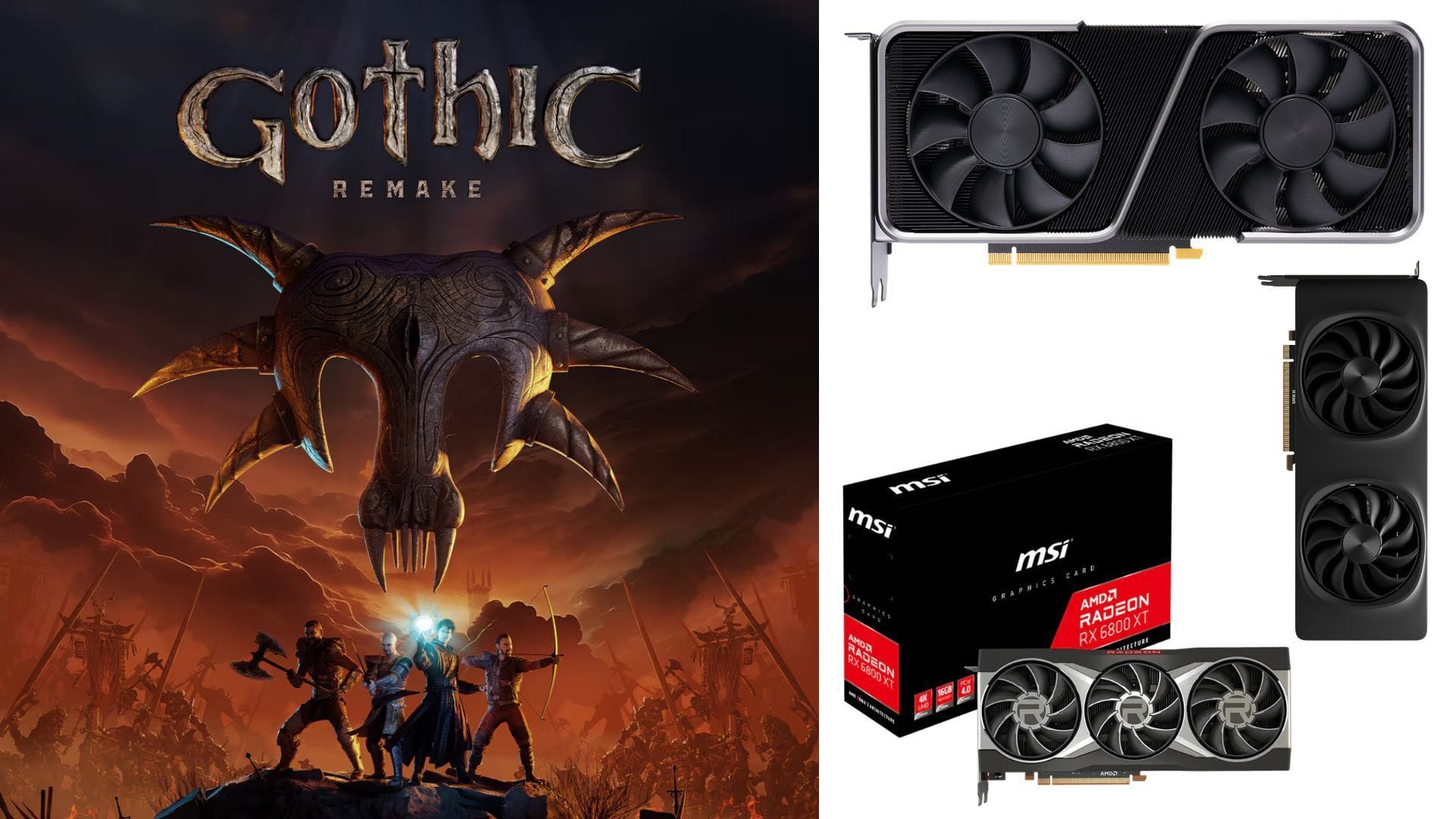
To fully immerse yourself in the revamped world of Gothic 1 Remake, it’s essential to optimize your settings for the best experience. This game is moderately demanding, requiring a minimum of 12GB VRAM to run smoothly at recommended settings. This includes GPUs like the Nvidia GeForce RTX 3070, 3080, AMD Radeon RX 6700 XT, and Intel Arc B570 GPUs.
For the optimal 1440p experience, consider the following display and graphics settings:
Display Settings:
- Display: Default
- Display mode: Fullscreen
- Resolution: 2560 x 1440
- VSync: Off
- Frame rate limit: Unlimited
- Gamma: 2.2
- Field of view: 75
Graphics Settings:
Temporal Upscaling
- Upscaler: Nvidia DLSS 4.5 / AMD FSR 3.1.4
- Upscaling quality: Quality
- Frame Generation Mode: Off
Latency Optimization
- Nvidia Streamline Reflex: On
- Nvidia Reflex Boost: Off
Post-Processing
- Motion blur intensity: 50
- Bloom intensity: 100
- Depth of field intensity: 100
- Ambient occlusion intensity: 100
- Sharpening intensity: 60
Color Correction
- Saturation: 0
- Contrast: 0
- Brightness: 0
- Extra Interior Exposure: Default
Render Quality
- Quality preset: High
- View distance quality: High
- Anti-aliasing quality: High
- Shadow quality: High
- Global illumination quality: High
- Reflection quality: High
- Post-processing quality: High
- Texture quality: High
- Effects quality: High
- Foliage quality: High
- Shading quality: High
- Landscape quality: High
- Wind quality: High
With these settings, most mid-range PCs should be able to handle Gothic 1 Remake at the High graphics preset, provided they have at least 12GB of VRAM. For those with more powerful setups, experimenting with the Very High or Gothic preset can offer an even better visual experience.
For the best-looking graphics, consider using Nvidia DLAA and Frame Generation for PCs with more than 12GB VRAM. Additionally, adjust post-processing settings to achieve your desired visual quality. Only enable VSync if your monitor does not support Nvidia G-Sync or AMD FreeSync.
Conclusion
By following these optimized settings, you can enjoy a seamless and visually stunning experience while playing Gothic 1 Remake on your mid-range gaming PC. With the right tweaks and adjustments, you can immerse yourself in the world of this classic RPG and uncover its mysteries with enhanced visuals and smooth performance.